Start with a working build
For PixelGamesHub, publishing starts with a public HTTPS link to your browser build. We link players to the creator’s site; we do not upload, mirror, or host the game for you. A repository alone is not a playable link. If the release is a demo, say where it ends and whether the full game costs money.
Open the link in a fresh browser session before sharing it. A build that works in your signed-in development tab can still depend on cookies, a private preview, or missing files. Check the first playable moment, a restart, sound activation, and any sign-in or purchase prompt. Record the browser and device you actually used rather than claiming support from the engine’s export settings.
Explain the first minute
The most useful introduction says what the player does. Name the central action, the goal, and the unusual constraint. A time-loop puzzle can explain what survives a restart; an arena shooter can explain movement and aiming. “An exciting adventure for everyone” does not help someone decide whether to play.
Describe the build you are submitting, not the future roadmap. On our submission form, the description needs at least 80 characters. Use that space for a specific mechanic, a realistic session expectation, and the audience it suits. Leave claims about performance, device compatibility, or accessibility out unless you have checked them.
Show the game you made
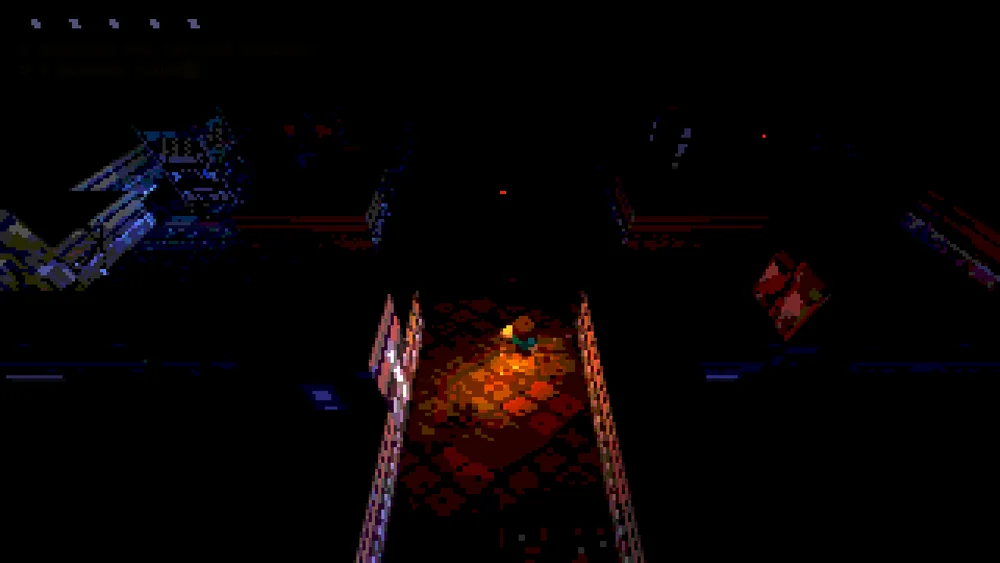
A screenshot of the playable build sets a better expectation than artwork that never appears in the game. Supply a public HTTPS image URL if you have an image you are allowed to use. Check that it opens without signing in. If you leave the optional cover blank, the community card uses a title-based fallback; it will not invent a screenshot.
Credit your studio, collaborators, and any relevant source project accurately. You must have the rights needed to submit the listing and its media. Linking a game, reusing a screenshot, and redistributing its source or music are different permissions. If you are submitting a fork, identify the original project and explain what you changed. Do not assume an open repository licenses every bundled asset in the same way.
Make expectations explicit
Choose the genre that best describes the submitted build. State whether it is free, a free demo, or paid. List sign-in requirements, ads or purchases, content guidance, and important control or browser limitations. “Desktop only” is useful information, not a weakness to hide.
Your public introduction and private correspondence have different jobs. The creator name, description, and play link help players. Contact email and review notes help us assess the submission and remain private. Do not put personal contact information or secret preview credentials into the public description.
Know what submission means
Sign in with a verified Google account or a one-use email link, then open the creator studio. Build your introduction, add the practical details, and inspect the public preview before submitting. Your account identity is not published as part of the listing.
A submission can appear in the community with an awaiting-review label. That is not an editorial recommendation; community detail pages carry a noindex instruction for search engines. Editorial picks are a separate collection: we play the build, write original notes, record what we tested, and decide whether it belongs on the shelf. Submission is free. We do not sell editorial ranking or guarantee traffic, a publication date, or search placement.
Keep going
Browser game guides
Practical reading for players and independent makers.
Put Unity on the web
Understand the Web build, hosting headers, and the checks before sharing.
Share your browser game
See what you submit, what stays private, and how review differs from visibility.
Write a game description
Learn from three fictional examples, then write an accurate introduction for your actual build.