Share your browser game
See what you submit, what stays private, and how review differs from visibility.
Open creator studio →Bring a playable link
Have a public HTTPS browser build, a creator name, and a description of at least 80 characters. A cover image is optional but must be yours to submit. We do not host files, convert desktop games, or publish private preview credentials.
Verify your account
Sign in with a verified Google account or a one-use email link. Browsing, guides, and local tools stay open without an account. Authentication depends on the site’s configured providers; if a provider is unavailable, the sign-in screen says so.
Check public and private
The public preview contains your game introduction, maker name, and play link. Contact email and review notes remain private. Account identity is not a public listing field. Remove personal details from the description before sending.
Understand what follows
Submitting is free. A community listing may be visible while awaiting review; editorial selection is a separate decision. We do not sell ranking or promise traffic, a review deadline, or Google indexing. Self-service editing and hosted uploads are not available; corrections go to the editorial contact.
Look at real listings
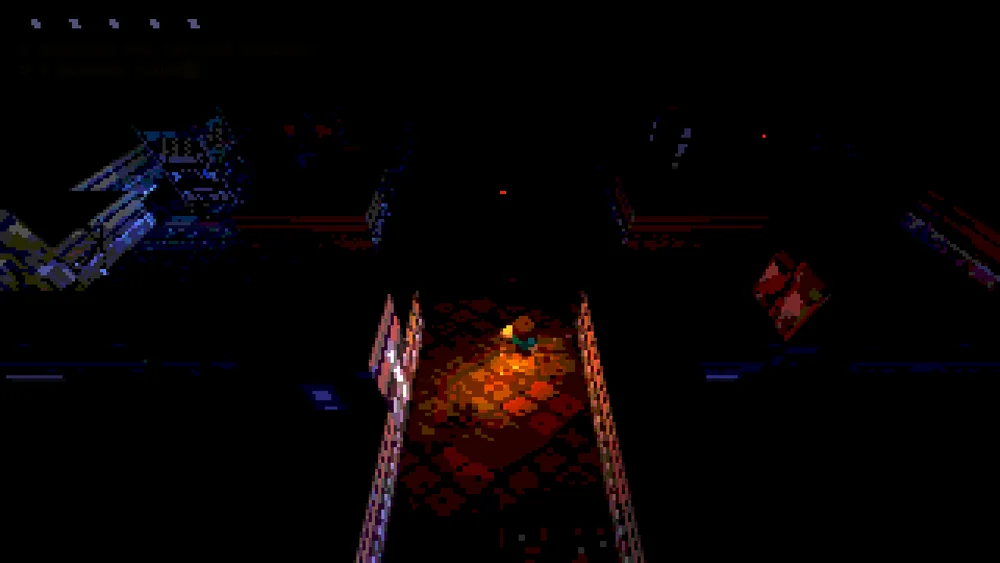
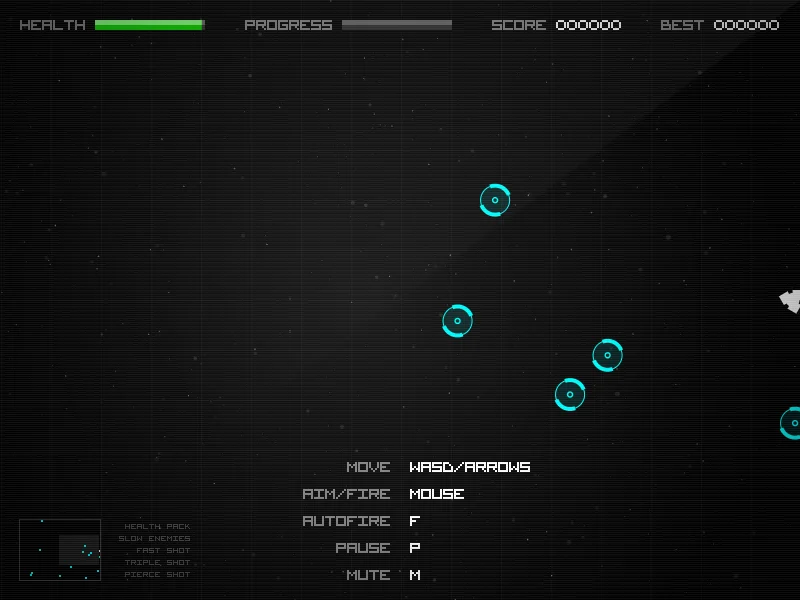
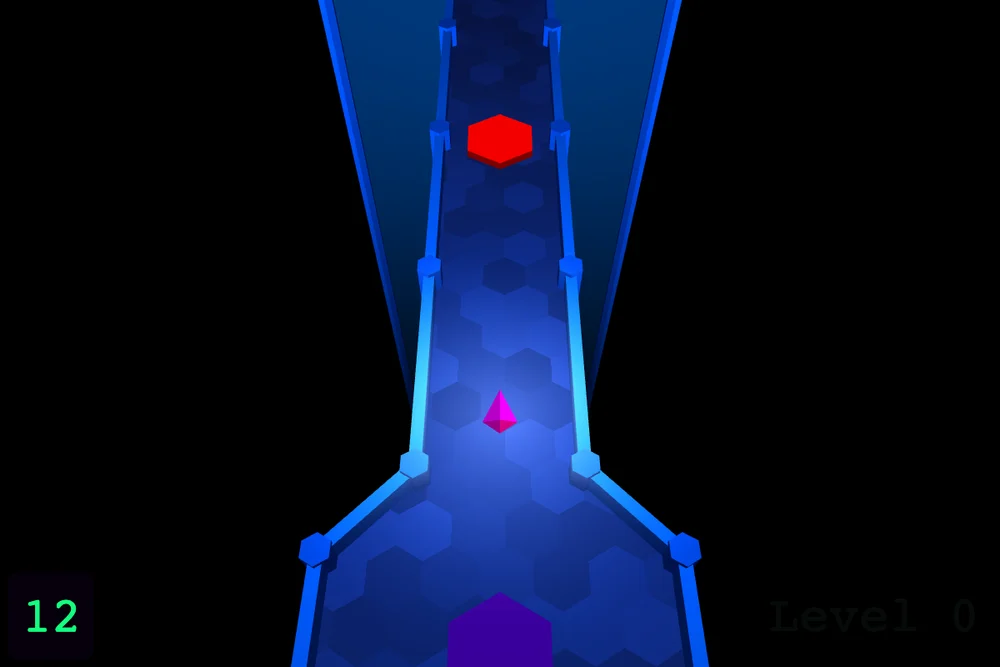
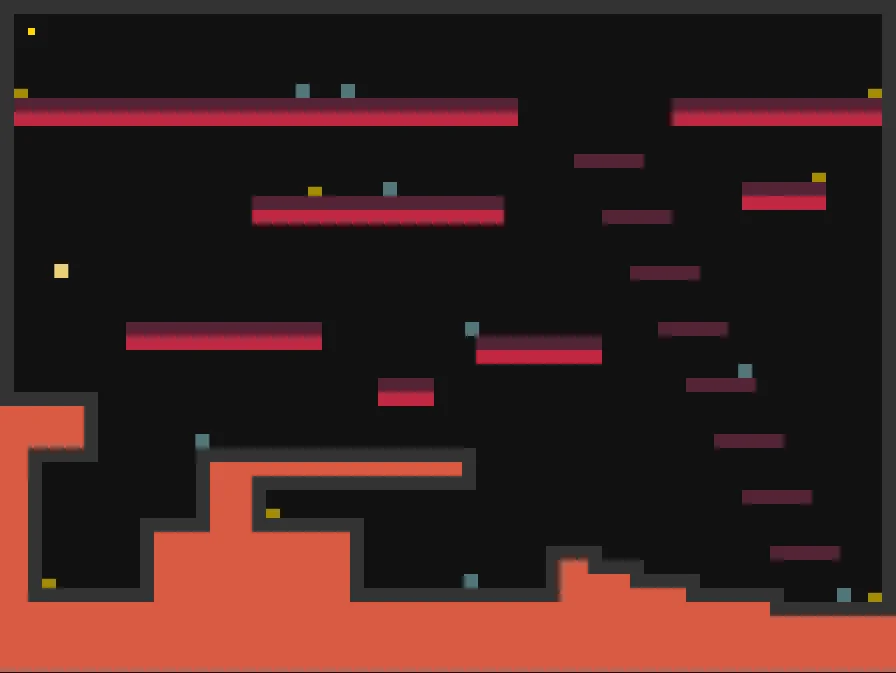
These are editorial picks with source links and actual screenshots. A new submission is not automatically added to this collection.
Keep going
How PixelGamesHub works
Explore the shelf and the free maker submission flow.
Publish your browser game
Prepare a playable link, honest details, and a submission.
Game intro builder
Turn your mechanic, goal, and controls into an editable game description. A local template, not an AI writer.
Release checklist
Record manual browser-game checks and download a preparation report. No remote scan or compatibility certification.