A useful umbrella, not one engine
HTML5 games usually means games delivered through web technologies and played in a browser. HTML provides page structure while program code handles behaviour; graphics, audio and input can involve different browser APIs. The label does not identify one engine and does not tell you whether a release is free.
For a player, the useful question is whether a playable web version is available, not whether HTML5 appears in the title. Indie describes the work and its creators; browser describes a platform. Those categories can overlap without being interchangeable.
Both pixel art and 3D can run on the web
The Canvas API can draw graphics programmatically, while WebGL supports hardware-accelerated 2D and 3D rendering. Similar-looking games need not use the same rendering path. Pixel art alone cannot identify an engine, a performance budget or the permissions attached to the artwork.
Inputs are separate too. A browser can expose keyboard, mouse, touch or gamepad capabilities without a particular game implementing all of them. Read the current build’s controls and actual device checks rather than turning a browser capability into an advertised game feature.
Opening a page still involves loading
A game page can request more program files, images, audio and other resources. Seeing the page does not mean every part of the game is ready. Connection quality, the resources involved and the device can affect the wait; the HTML5 label cannot justify a fixed launch-time claim.
For a loading problem, read the page’s own error, record the address, browser and steps, then contact the creator. Do not install unfamiliar plug-ins or send private credentials to a directory. This article is not a remote diagnosis and does not establish that we tested the version you are trying.
Read past the technical label
Price, demos, accounts, touch controls and saving are product decisions, not a single promise imposed by HTML5. A project page may offer a browser demo alongside a paid desktop edition. Evaluate those versions separately instead of transferring one version’s claims to another.
PixelGamesHub’s editorial pages include creator sources, controls and bounded playtest notes. Community descriptions mainly come from submitters. Those are different kinds of evidence. After reading, check the creator’s destination for the version, price and conditions available now.
If you are publishing a browser build
Exporting from an engine, hosting playable files and submitting a directory listing are different jobs. itch.io’s HTML5 upload instructions describe its own hosting workflow, not every other platform’s rules. Test your project before claiming that its web build works on a phone.
PixelGamesHub accepts a public HTTPS play link. It does not host build files or convert a desktop game to the web. Prepare a playable address, an actual screenshot and current-version details, then submit with a verified account. Submission is not automatic editorial selection.
Official references
- MDN: introduction to game development for the Web
- MDN: Canvas API
- MDN: WebGL API
- itch.io: its HTML5 game upload workflow
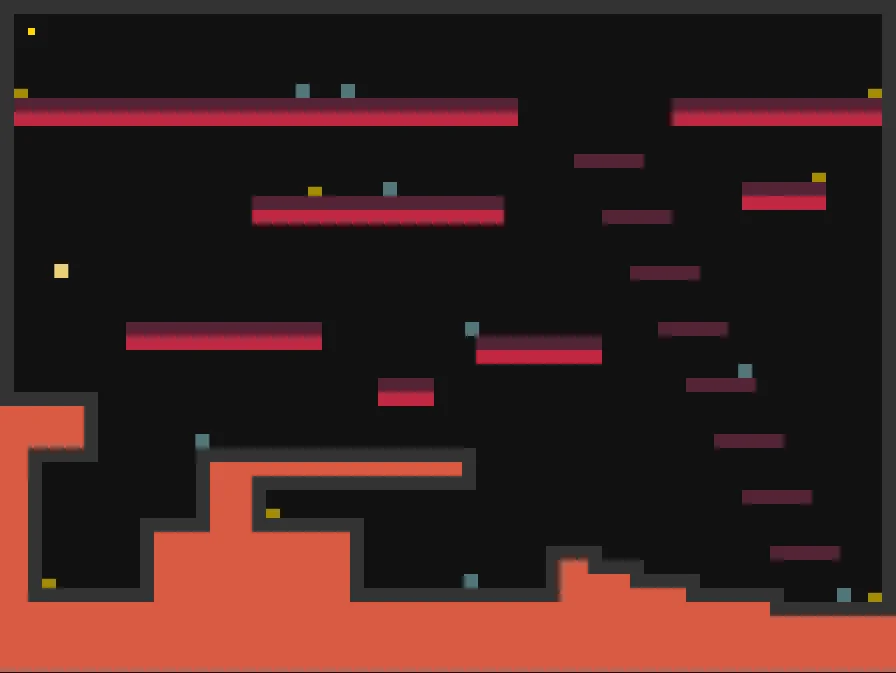
References checked: . The cover is a credited game screenshot, not output from this tutorial.
Keep going
Browser game guides
Practical reading for players and independent makers.
Free browser games without downloads
Check installation, price, accounts, controls and saving separately.
Publish your browser game
Prepare a playable link, honest details, and a submission.
Embed an HTML5 game
Understand permitted iframe code, framing failures, and a direct-play fallback for your own build.