Geometry versus connectivity
Untangle lets you reposition vertices while preserving the lines connecting them. The goal is a drawing without crossings, not a different graph with inconvenient edges deleted. A visually tidy circle is only a starting layout.
When you drag one vertex, every edge attached to that vertex moves. Watch all of those edges rather than the single crossing that attracted your attention; removing one intersection can create two elsewhere.
One move can clear or create crossings
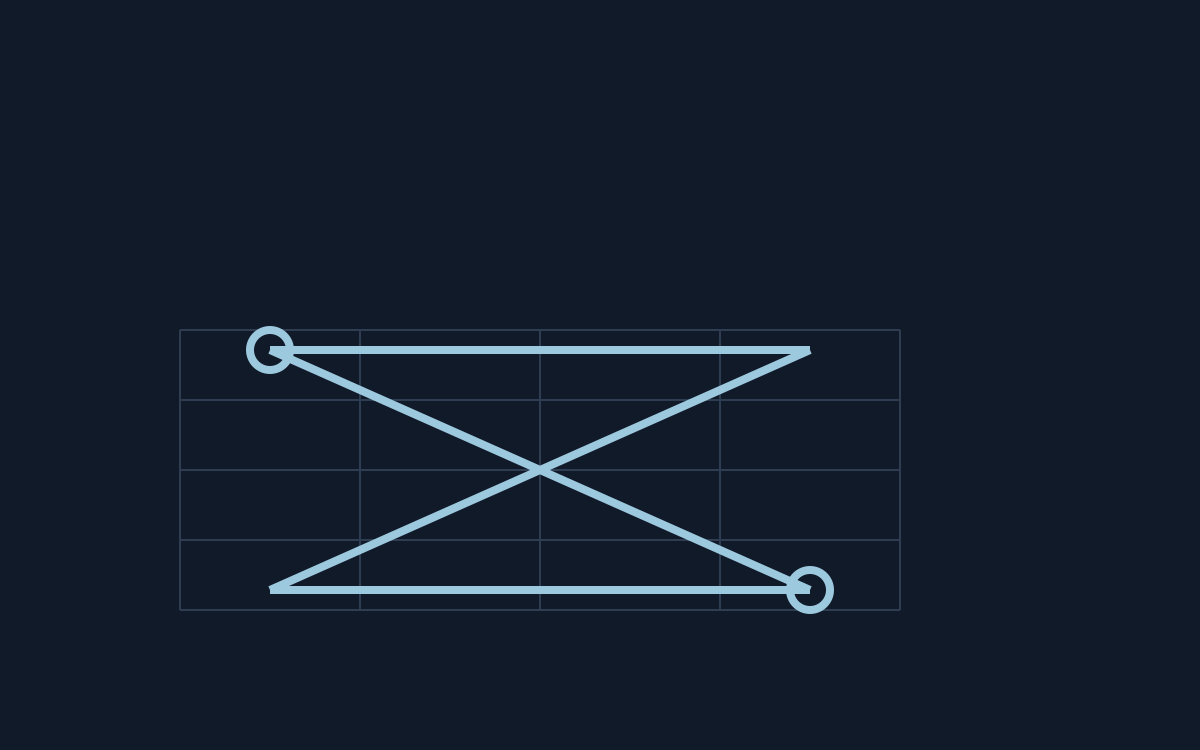
Consider two independent edges crossing in their interiors. Moving one endpoint around the other edge’s endpoint can remove the crossing, but the same move also affects any other edges incident to your moved vertex.
By contrast, two edges deliberately sharing a vertex meet there as part of the graph. Do not try to separate their common endpoint as though it were an unwanted interior crossing: that would require changing connectivity.
Shared endpoints are not an extra crossing
If a dense cluster is hard to read, spread its points into spare space before fine adjustment. This improves visibility without proving that your current arrangement is close to the final planar drawing; preserve the ability to undo.
The documented keyboard controls cycle through vertices and toggle dragging with Enter. They offer a different way to choose a crowded point. The manual gives the number of points as a parameter, but does not claim that one heuristic solves every instance optimally.
Make the next adjustment reversible
Choose one crossing in Untangle and identify its two independent edges. Move one endpoint cautiously while watching every edge attached to it; compare the new drawing before making another adjustment.
Use the checklist to record the selected vertex, movement direction and crossings that disappeared or appeared. The original game identifier names the instance, but the sequence explains how your drawing changed.
Official references
References checked: . Original editorial schematic; not a captured game board.
Keep going
Browser game guides
Practical reading for players and independent makers.
Net: a connected-looking network can still contain a forbidden loop
Net asks you to rotate tiles into one connected network without closed loops. The highlighted tiles show connection to the selected source; a bright cluster alone does not prove the whole puzzle is solved.
Map: sharing a point is not the same as sharing a border
Map colors regions with four colors while preventing equal colors across a shared border. Two regions touching only at one point are allowed to match. Counting every visible contact as adjacency introduces an extra restriction.
Release checklist
Record manual browser-game checks and download a preparation report. No remote scan or compatibility certification.