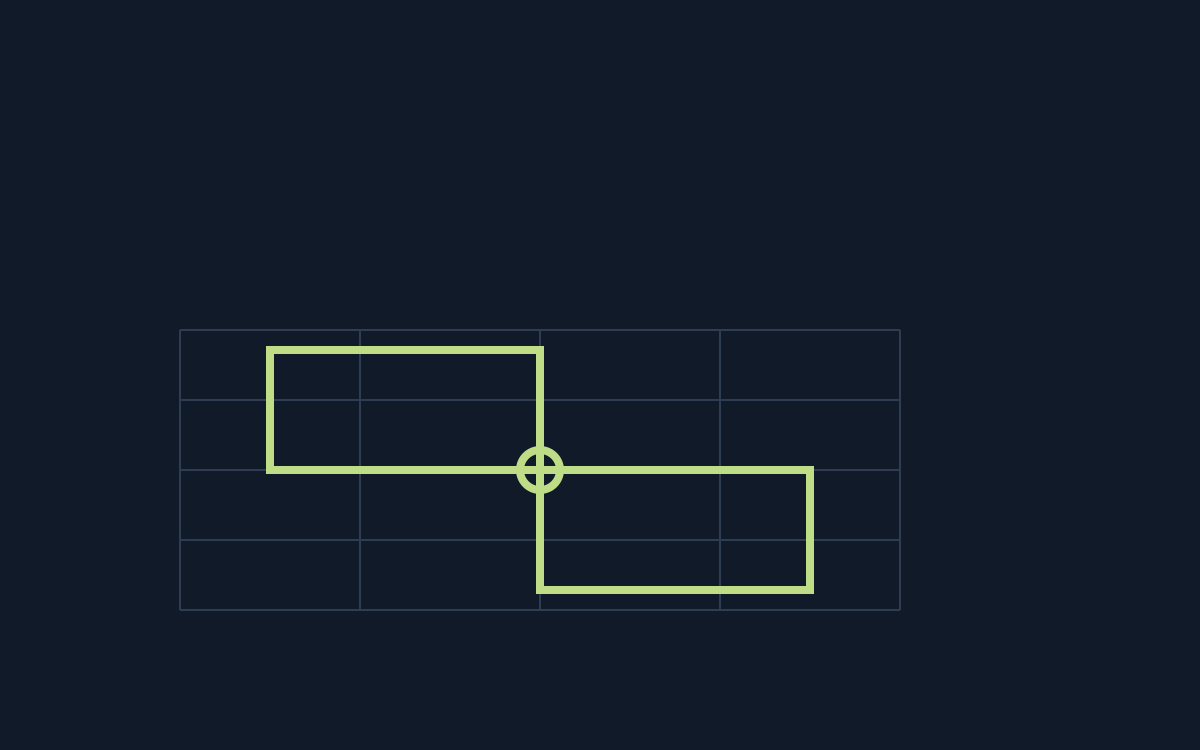
Which regions are neighbors?
Map colors regions with four colors while preventing equal colors across a shared border. Two regions touching only at one point are allowed to match. Counting every visible contact as adjacency introduces an extra restriction.
Imagine an empty region sharing genuine border segments with red, blue and green regions. If those are its three distinct neighboring colors, only the fourth remains available; the area or shape of the region does not alter that deduction.
Three colors can force the fourth
A fourth region touching it at only a corner adds no color restriction. If you include that corner contact and conclude all four colors are banned, the contradiction may come from your neighbor list rather than from an earlier fill.
Several neighbors with the same color exclude that color only once. Four neighbors do not automatically forbid four colors. Write the set of distinct forbidden colors before declaring a region forced or impossible.
Do not spend colors on diagonal contact
The manual describes stippled colors as candidate notes, with multiple notes allowed in one region. Use them to preserve alternatives when no single color is yet forced; a note is not an actual completed coloring.
Pressing L toggles region numbers in the documented interface. Those labels are much clearer in a feedback record than descriptions such as “the narrow part near the blue corner”; include the puzzle identity so another person can recover the same map.
Use region labels to explain a move
On the original Map interface, use region numbers to name an unfilled region and each neighbor sharing a real border. List its excluded colors as a set, counting a repeated color only once.
Export those region numbers and the selected color in the checklist. If a point contact caused confusion, say which two regions meet only at that point; a screenshot can supplement, rather than replace, the explicit description.
Official references
References checked: . Original editorial schematic; not a captured game board.
Keep going
Browser game guides
Practical reading for players and independent makers.
Untangle: move a point to change crossings, not the graph itself
Untangle lets you reposition vertices while preserving the lines connecting them. The goal is a drawing without crossings, not a different graph with inconvenient edges deleted. A visually tidy circle is only a starting layout.
Black Box: an H identifies absorption, not the square containing a ball
Black Box hides balls and lets you fire rays from the boundary. A direct collision absorbs a ray, diagonal influences can turn it, and returning to the entrance is a reflection; an immediate edge influence can also count as reflection.
Release checklist
Record manual browser-game checks and download a preparation report. No remote scan or compatibility certification.