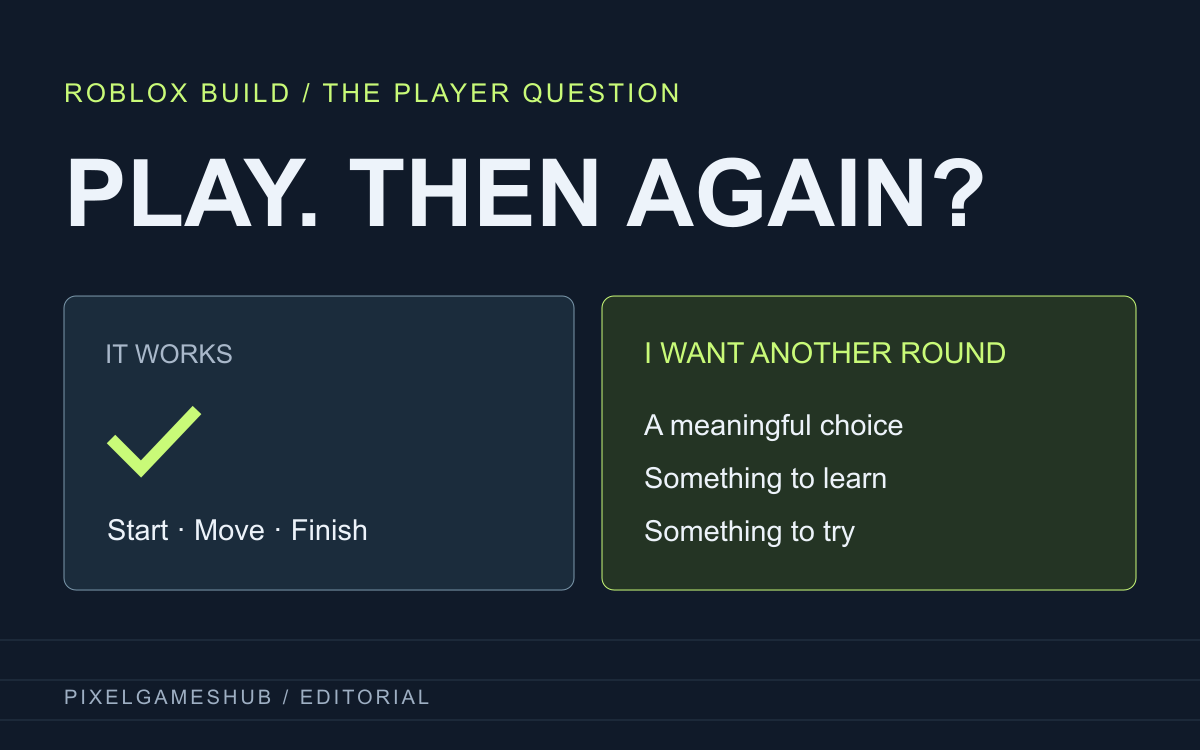
The October update asks a better question than “did it run?”
On October 8, Roblox published an account of how it evaluates games created with Build. The post describes an end-to-end creation process and explicitly separates technical correctness from the player's experience. It is a useful current starting point for anyone watching one-prompt game demos.
This is an analysis of Roblox's published example, not our own trial of Build or a claim that its reported scores apply to every generated game. The interesting question for a discovery community is simple: once a game launches and responds, what makes someone choose another round?
Read the example without turning it into a universal score
Roblox's example is a generated obstacle course called Skyforge Ascent. In the reported run, the engineering assessment was 98 out of 100 and the content-design assessment 31 out of 100. Those are scores for that example under Roblox's own rubric, not an average result or our player rating.
The lesson we draw is that a developer can demonstrate checkpoints, hazards and a working finish while leaving the player's next decision uninteresting. A single blended number would hide that difference. When reading any AI-game report, check the task, the build and what the evaluation measured before repeating the headline.
Look for a decision that changes the next attempt
Our suggested player test is to explain one choice that mattered: a safer route, a different weapon, a timing trick or information learned on a failed run. Then ask what you would try differently next time. A game does not need endless content, but it should make its central action worth noticing.
A short puzzle can create that interest through a clever constraint; an arena can do it through movement and readable threats. Neither requires pretending that procedural variety automatically produces fun. Try the actual controls and first loop, then distinguish your own experience from the creator's promises about later content.
Ask an AI-assisted creator for the build, not a perfect pitch
A helpful submission describes the main action, current controls, a finish or failure condition and the feedback being requested. If AI assisted the project, the creator can explain which parts it helped with. That context is more informative than either hiding the process or claiming the tool alone guarantees a polished game.
Keep a short video or screenshot beside a working link when available. A demo can show presentation; a playable build lets people inspect response, recovery and choices. Our Master Blaster case looks at a public creator account without inventing the tools, hours or production process that the creator did not disclose.
Discover a loop you can describe
For a compact contrast, xx142-b2.exe centres its premise on a 13-second attempt and traces from earlier runs. UNDERRUN pursues atmosphere inside a very small browser shooter. They illustrate different design questions; neither is labelled AI-generated here, and neither is being scored with Roblox's rubric.
Read the linked introductions, inspect each game's controls and visit its creator's build. If you return to submit your own game, tell players the one thing you want them to try. The community can then discuss a specific experience instead of treating a technically successful generation as the end of the conversation.
Official references
References checked: . Original PixelGamesHub editorial illustration; not a Roblox Studio screenshot or product result.
Keep going
Browser game guides
Practical reading for players and independent makers.
AI and GTA VI
Compare generated cities, working rules and a complete game through the GTA VI discussion.
13 seconds, another try
Discover xx142-b2.exe through its 13-second attempts and traces from earlier runs.
Master Blaster’s maker story
Read a public AI-assisted creator account through grappling, arena combat and a real feedback request.