Begin with an observed difference
A useful AI repair prompt starts with the build you actually ran, the action you performed and the difference between expected and observed behavior. “The game feels broken” leaves both the fault and success criteria undefined.
Do not paste a large chat history and ask for a complete rewrite first. A narrow, reproducible issue is easier to inspect and less likely to remove rules that already work.
An original collision example
For an original example: a courier stands beside a ledge, jumps while moving right and sometimes passes through its side. Record the initial position, input sequence and whether it happens on every attempt.
Capture the browser, device and current build identifier. “Sometimes” is an observation to investigate, not proof of a particular collision algorithm defect; keep possible explanations separate from evidence.
Ask for a bounded patch
Ask the AI to identify the relevant movement and collision paths, state its hypothesis and propose the smallest patch. Require it to explain which existing behavior might change, such as landing on a platform edge.
A concrete request can say: “Keep jump height and horizontal speed unchanged. Fix this reproduction. Explain changed files and suggest a regression check.” This is a request template, not a claim that a repair has been generated or tested here.
Repeat the same check
Run the same reproduction on the changed build, then check an ordinary jump and restart. Record actual results and any new failure rather than accepting a model's statement that everything works.
Use the studio's Iterate prompt and save the underlying brief as JSON when returning another day. Keep edited requests in Markdown too, and bring the observed outcome back with your next update.
Official references
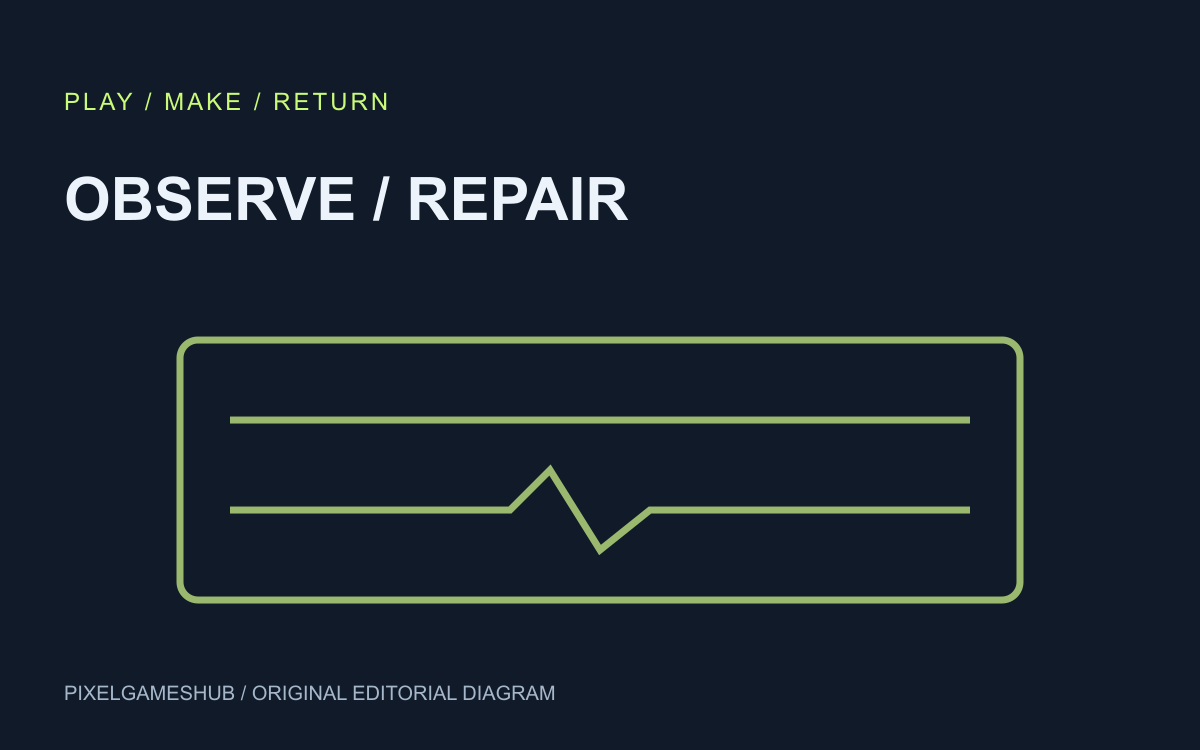
References checked: . Original PixelGamesHub editorial diagram, not a gameplay screenshot.
Keep going
Browser game guides
Practical reading for players and independent makers.
Genie 4 game prototypes: what does real-time steering change?
Google DeepMind announced Genie 4 on October 27, 2026. Its official demonstrations combine interactive world simulation, native audio and real-time steering. For a game maker, the interesting question is which decisions this helps test before implementation.
Save an AI game brief as JSON: continue your prototype tomorrow
The AI game prompt studio now exports a small JSON brief containing your idea, action, ending, constraint, controls and selected template language. It preserves the specification you entered, not a running game or model conversation.
AI game prompts
Turn a small game idea into editable design, build, test and iteration prompts. Local templates; copy or download without an account.