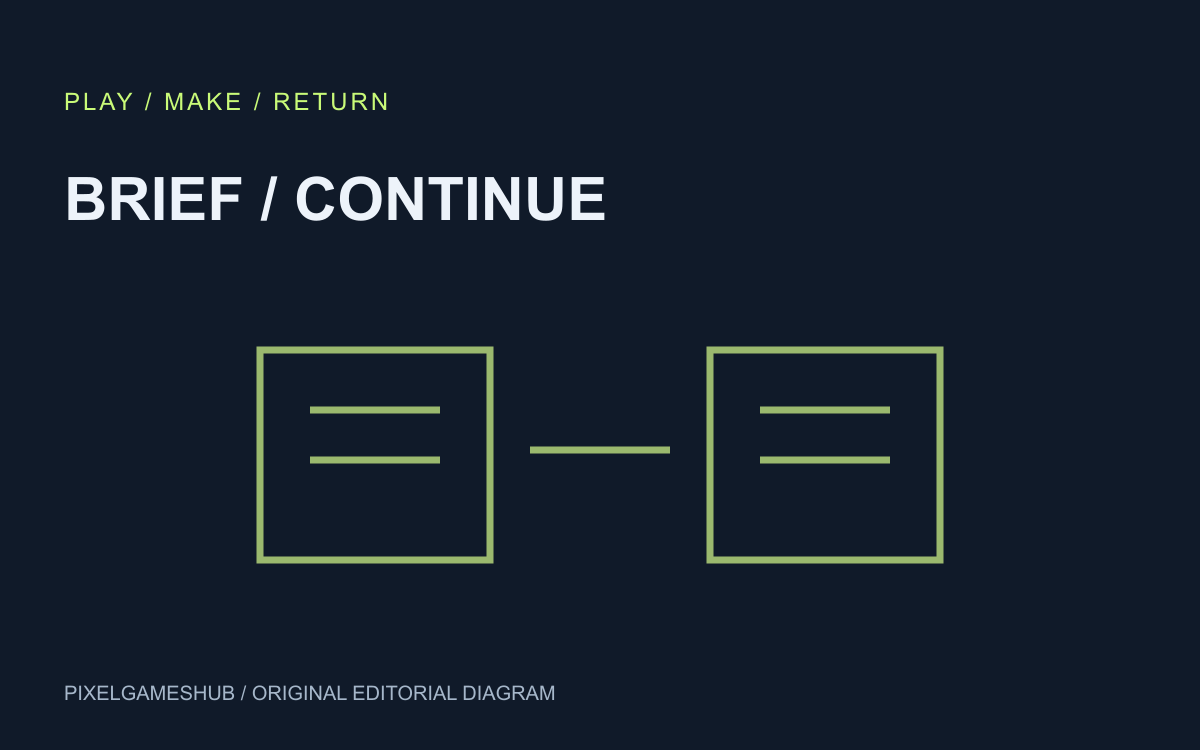
The file this tool saves
The AI game prompt studio now exports a small JSON brief containing your idea, action, ending, constraint, controls and selected template language. It preserves the specification you entered, not a running game or model conversation.
Edited stage prompts remain separate. Download the Markdown pack to keep those edits as well. A JSON brief alone is not a backup of generated code, images, a game save or your entire development workspace.
Download a valid brief
Complete the required idea, player action and ending, then use the brief download button. The file includes a format marker and version so a later import can distinguish it from unrelated JSON.
For an original example, save a courier who delivers three parcels while braking costs time. Reopen the file as text if you want to inspect it. Keep private keys and account data out of a game brief; the tool never needs them.
Import without losing your draft
Choose the JSON file in a later session. The tool checks its structure and field limits before presenting an explicit apply action. A malformed, oversized or incompatible file should produce a readable error instead of partially overwriting the form.
Applying a brief changes the inputs and chosen language. It keeps the current edited prompt pack until you explicitly rebuild, preserving the existing one-step undo for the previous pack.
Hand it to the next session
After importing, add the actual change you want to make and build the four-stage prompts again. Compare that request with your current code before giving it to the AI tool you choose.
This is a local handoff workflow with no account upload. Use the separate AI bug-report guide when you have observations from a running build; saving requirements does not establish that implementation or tests succeeded.
Official references
References checked: . Original PixelGamesHub editorial diagram, not a gameplay screenshot.
Keep going
Browser game guides
Practical reading for players and independent makers.
AI game bug-report prompts: fix one reproducible problem
A useful AI repair prompt starts with the build you actually ran, the action you performed and the difference between expected and observed behavior. “The game feels broken” leaves both the fault and success criteria undefined.
AntConquest: a browser ant colony that asks you to plan ahead
AntConquest's creator describes a free browser strategy game about growing and leading an ant colony. Its public introduction emphasizes a persistent colony rather than a self-contained arcade round.
AI game prompts
Turn a small game idea into editable design, build, test and iteration prompts. Local templates; copy or download without an account.