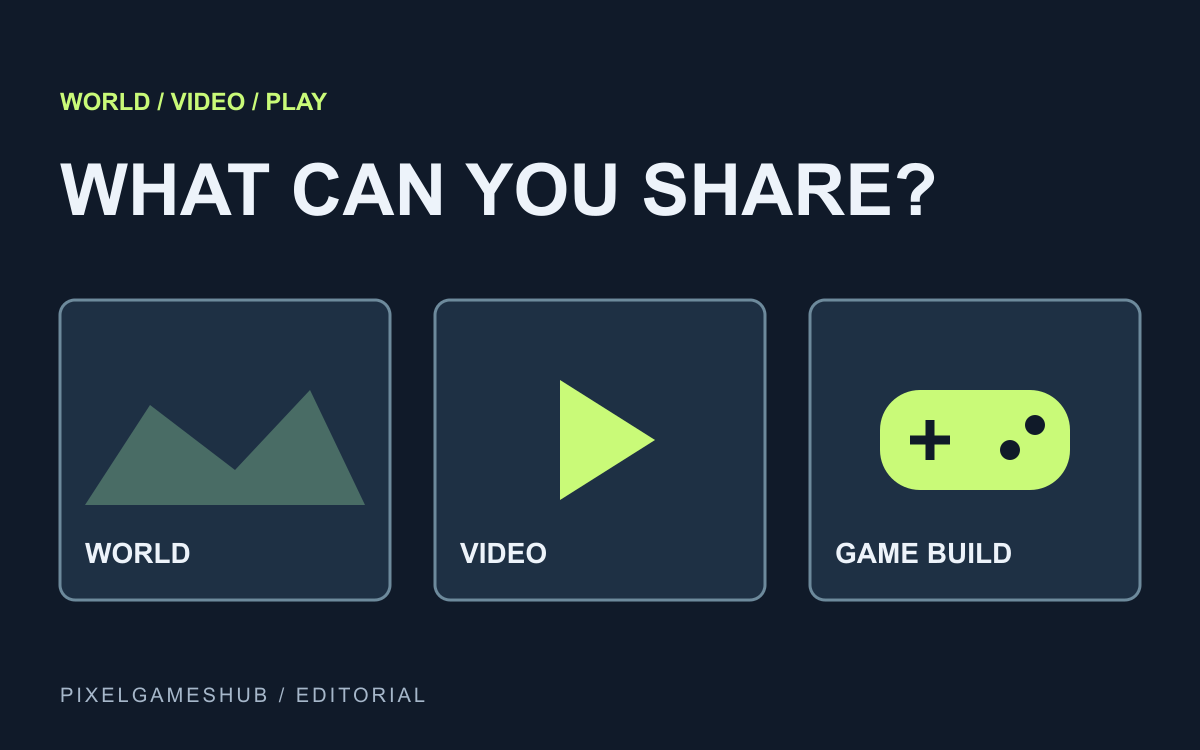
What can you keep?
A convincing world clip can look like a finished game. The useful question for a creator is simpler: what can another person actually open and control? Google calls Project Genie an interactive-world research prototype, so its documented outputs deserve a closer look.
In the help flow checked on October 24, 2026, Google lists downloading a video after exploration, reusing a prompt and generating another world. That is a documented video output, not instructions for exporting a hosted game.
Video, prompt or game build?
A video preserves a particular journey; viewers cannot choose a different route. A prompt describes the intended world, but the help page warns that generating again can produce a different result. Neither artifact establishes a stable public game build.
The current guide does not list HTML, an engine project or a self-hostable playable package among the end-of-exploration actions. Treat that as the scope of these instructions, rather than proof that an export feature can never arrive. A user-data export is also a different operation.
What should you share?
If you share a clip, label it as a Project Genie exploration video and describe the interaction it shows. Do not give readers a download button that suggests an executable game when the file is a movie. A clear label saves everyone a failed play attempt.
For access, the current help page requires a personal Google account, age 18 or over and an eligible Google AI Ultra subscription where available. Exploration is described as lasting 60 seconds. Check the live eligibility page before paying for a particular use case.
Turn a world idea into rules
A world becomes a game when actions change a legible system. For an original rainy delivery scene, decide what steering does, what makes a parcel arrive and what happens when time runs out. A visually rich street does not answer those questions on its own.
Our AI game prompt studio turns that small brief into separate design, build, test and iteration prompts. It uses local templates; it does not connect to Project Genie, convert a video to code or claim to export Google's worlds.
Before submitting a game
For a playable submission, provide the actual public build URL, controls and current limitations. A clip can accompany that build, while a world experiment can be discussed honestly as a prototype. Keep the playable entry and the visual evidence distinct.
Continue with the prompt examples for a concrete first scene, or compare the wider scope question in our GTA VI discussion. This article is a documentation-based explanation, not a report of a world we generated or an export we tested.
Official references
References checked: . Original PixelGamesHub editorial illustration; not a generated gameplay capture.
Keep going
Browser game guides
Practical reading for players and independent makers.
AI and GTA VI
Compare generated cities, working rules and a complete game through the GTA VI discussion.
Your first AI game brief
Three original starting briefs and a four-stage prompt pack you can edit, copy and test with your chosen AI.
AI game prompts
Turn a small game idea into editable design, build, test and iteration prompts. Local templates; copy or download without an account.