Define the rectangle before the artwork
A visible button and the rectangle that accepts input are different pieces of a game. Before asking an AI assistant to enlarge the artwork, write a precise test for the area that should respond.
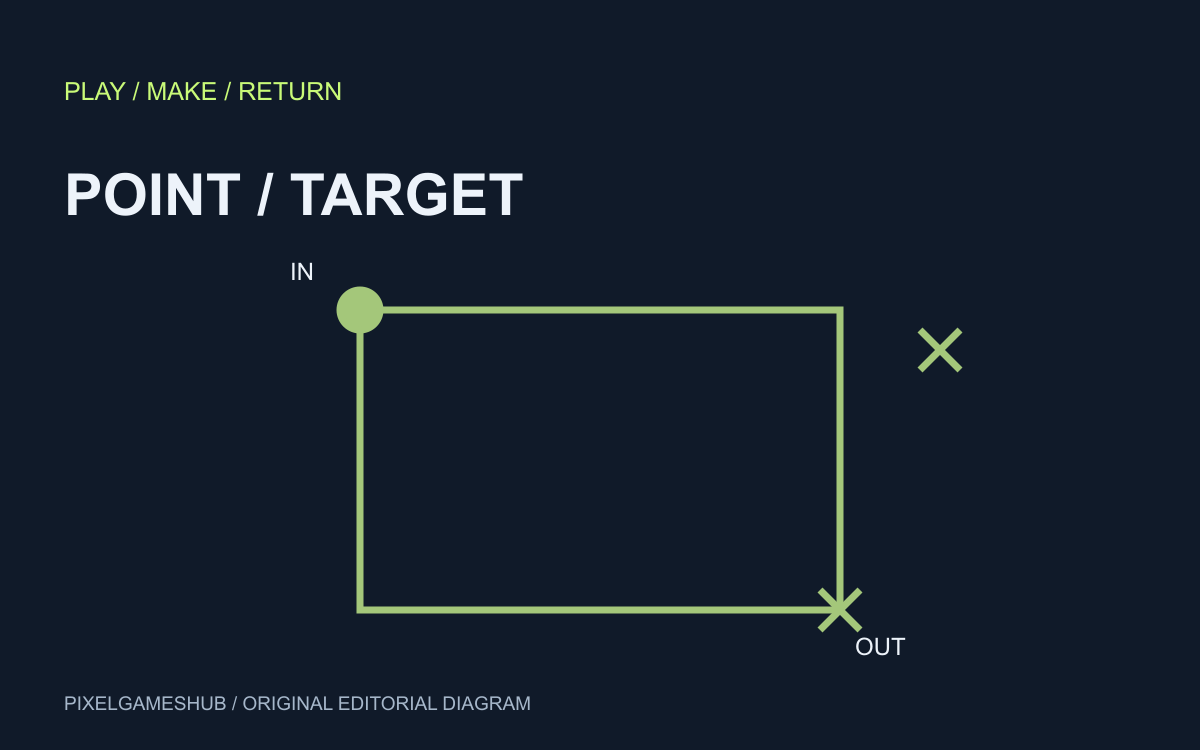
Our executed original experiment uses a rectangle starting at x=10, y=10 with width and height 40. It tests coordinates directly; it is not a browser game, model-generated output or physical-phone usability study.
Five concrete boundary points
The chosen convention includes the left and top edges and excludes the right and bottom edges. Under that rule, points (10,10) and (49,49) hit, while (50,10), (10,50) and (9,20) miss.
All five assertions passed in the saved script. A half-open rectangle is a deliberate mathematical convention, not a universal requirement that every game must copy. The useful result is an unambiguous boundary.
Specify coordinate conversion separately
A proposed AI request can name the rectangle, coordinate system and expected outcomes, then ask for one hit-test function against the actual game code. Include all five points as acceptance examples.
If input coordinates come from the browser window but drawing coordinates come from a scaled canvas, the conversion needs its own implementation and tests. The pure-function experiment does not establish correct scaling, rotation or touch-event delivery.
Test usability after geometry
After implementation, inspect the same element at its real displayed size and on the target device. Check overlap with nearby actions and whether repeated input triggers more than once; passing a geometric test cannot answer those usability questions.
The prompt studio’s touch-target starter prepares an original brief with touch controls, not a finished game. Keep that brief separate from the jump-buffer experiment: one asks where an input lands, the other asks when an action is accepted.
Official references
References checked: . Original PixelGamesHub editorial diagram, not a gameplay screenshot.
Keep going
Browser game guides
Practical reading for players and independent makers.
Testing a jump buffer before asking AI to change your platformer
A small executed logic experiment separates an early jump press from a collision bug. Define the rule before requesting a patch.
Rowdle first moves: read the row before following the column
Rowdle asks you to rearrange visible letters into five words. Its yellow clue describes a row, so treating the board like a crossword leads to the wrong plan.
AI game prompts
Turn a small game idea into editable design, build, test and iteration prompts. Local templates; copy or download without an account.