An ignored press is not a diagnosis
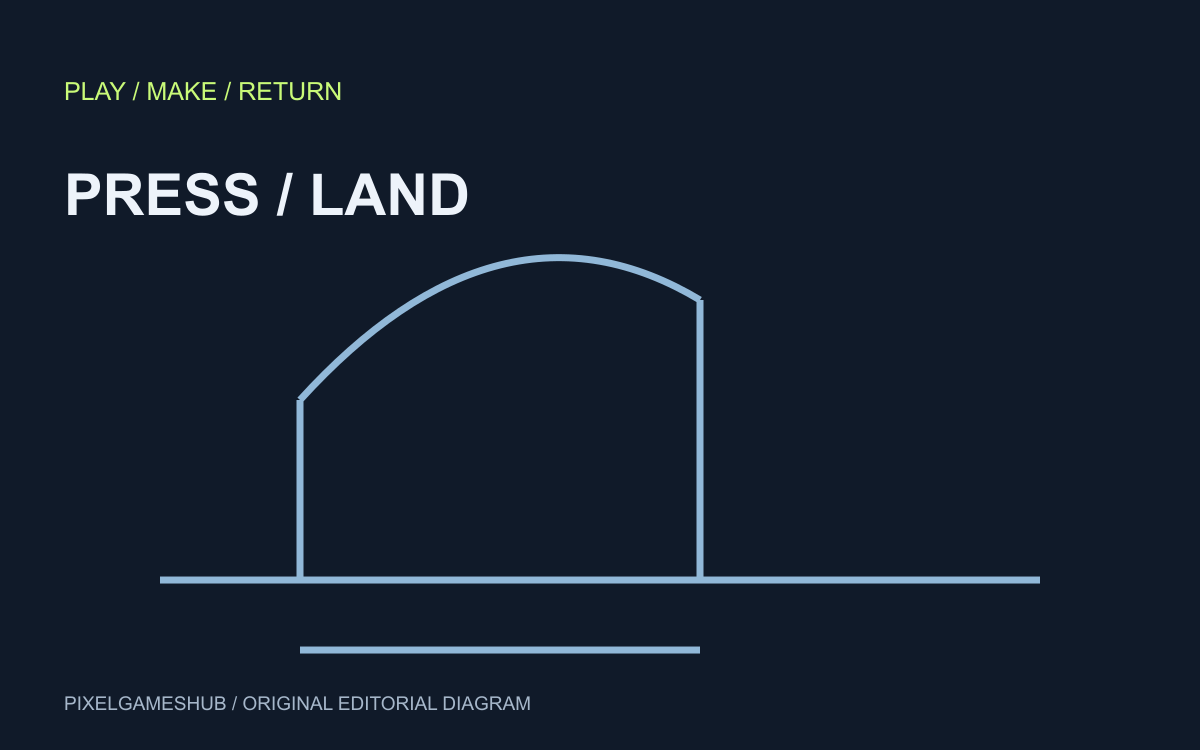
You press jump just before landing, but the character does nothing. That observation alone does not tell you whether the fault is collision detection, keyboard focus or an intentional grounded-only rule. Write down when the input arrived and when landing occurred.
Our original experiment uses discrete ticks and two pure functions. It does not run a browser game, call an AI model or measure what players prefer. The recorded result is evidence about the chosen rule, not an assessment of Tiny Platformer's controls.
Compare one input against two rules
In the saved fixture, jump is pressed on tick 5 and landing happens on tick 8. A zero-tick buffer accepts input only on the landing tick, so this press produces no jump. A four-tick buffer retains the press and produces a jump on tick 8.
Two boundary checks matter: a press on tick 3 is too old for the four-tick window, while a press exactly on tick 8 works without buffering. All four assertions passed when the experiment ran. Ticks are not milliseconds until the simulation's tick rate is specified.
Give the AI a bounded implementation request
An example request: retain the most recent jump press for four simulation ticks, consume it once when grounded, and expire older presses. Include the tick-5/tick-8 case and both boundaries as acceptance cases. Ask for a small change against the actual movement code.
This is a proposed request, not output from a model we invoked. The sample first-jump function does not establish correct behavior for held-key repeats, double jumps, moving platforms or a second landing. Those cases need additional implementation and tests.
Check the game after checking the rule
Run the same build with buffering disabled and enabled. Record the build, input device and situations in which a jump is accepted unexpectedly. A responsive rule can still feel wrong if it triggers after the player has changed their mind.
Use the prompt studio to prepare the request and preserve the design brief, then report actual observations through a reproducible bug report. Passing this fixture proves neither a fun game nor an AI-created game. Publish those claims only when you have the corresponding evidence.
Official references
References checked: . Original PixelGamesHub editorial diagram, not a gameplay screenshot.
Keep going
Browser game guides
Practical reading for players and independent makers.
Minecraft 26.63: match the hotfix to your platform before troubleshooting
Mojang’s official 26.63 note is dated November 11, 2026. It describes a hotfix rolling out to Windows, Servers and PlayStation 5, with platform approval affecting availability.
AI game touch targets: test a hit area before changing the artwork
A visible button and the rectangle that accepts input are different pieces of a game. Before asking an AI assistant to enlarge the artwork, write a precise test for the area that should respond.
AI game prompts
Turn a small game idea into editable design, build, test and iteration prompts. Local templates; copy or download without an account.