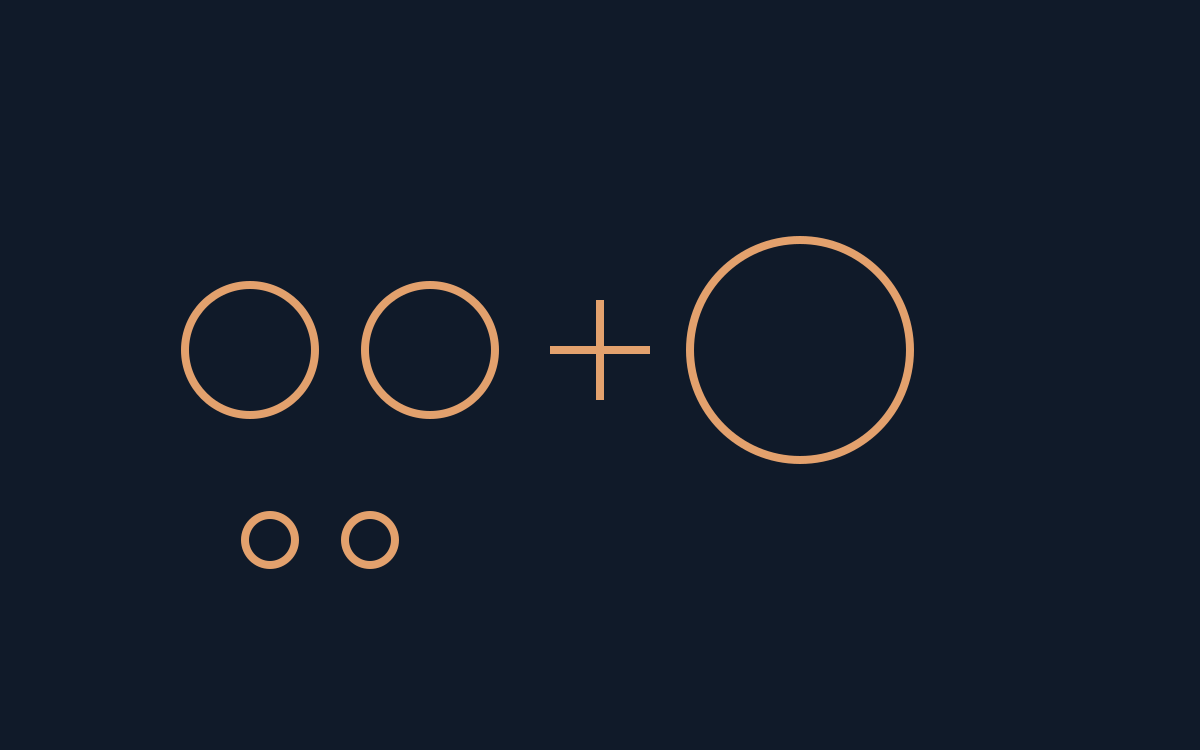
Read the collision rule
NuSan's Combo Pool is a PICO-8 game with an HTML5 player on the creator's page. Its central rule is concrete: marbles of the same colour merge when they meet and advance to the next colour. A collision between unrelated colours does not satisfy that rule.
That gives a beginner a useful first question before firing: which matching pair am I trying to bring together? Simply adding another ball and hoping for contact makes it harder to describe why a shot helped or hurt.
Population is part of the decision
The author explains that the life bar diminishes with the number of balls on the field. Adding a marble therefore changes the pressure on the board as well as the possible collision paths; a clear shot should consider both effects.
When life is empty, the described sudden-death state gives a last ball a chance to remove balls and save the run. This is a rule explanation, not a claim that we reached that state, measured its timing, or found an optimal strategy.
Numbers can replace colour guessing
The pause menu opened with Enter includes an accessibility mode that places numbers on the balls. Try it if identifying colours is difficult, then use those labels when explaining which pair you meant to merge.
Numbers provide another visual cue; they do not automatically explain the scoring formula or predict a rebound. Separate trouble identifying a ball from trouble aiming at it, because the two issues call for different feedback.
Choose one input scheme
The published controls allow left and right arrows with C to fire, or pointing and left-clicking with a mouse. Keep one scheme fixed while learning a short shot instead of changing input and target at the same time.
The mouse and numbers devlog is dated December 17, 2023, not this week. Use the creator's current player and record your actual shot, intended pair and result. Our pixel tool can prototype original numbered icons; it does not reproduce Combo Pool's physics or calculate a winning trajectory.
Official references
References checked: . Original editorial diagram by PixelGamesHub; not a game screenshot.
Keep going
Browser game guides
Practical reading for players and independent makers.
Pixel art PNG export: one sprite for the game and one for the update post
Draw one small ring, export native and enlarged PNGs, and check that the hole and transparent margin survive integer scaling.
POOM browser controls: mouse capture and alternate schemes
Activate POOM's mouse support, compare one control setting, and keep its code licence separate from artwork and sound permissions.
Pixel art maker
Draw an original 16 × 16 sprite and export a transparent PNG in your browser.