An anniversary game with its own identity
The creators describe Celeste Classic 2 as a three-day project for Celeste's third anniversary. Its credits name Maddy Thorson, Noel Berry and Lena Raine, with testing by Kevin Regamey. The author page offers browser play.
Treat this as a distinct small platformer, not an announcement of a new commercial Celeste sequel. Its official source repository is useful when you want to investigate how one movement idea is organized.
Read attachment and release separately
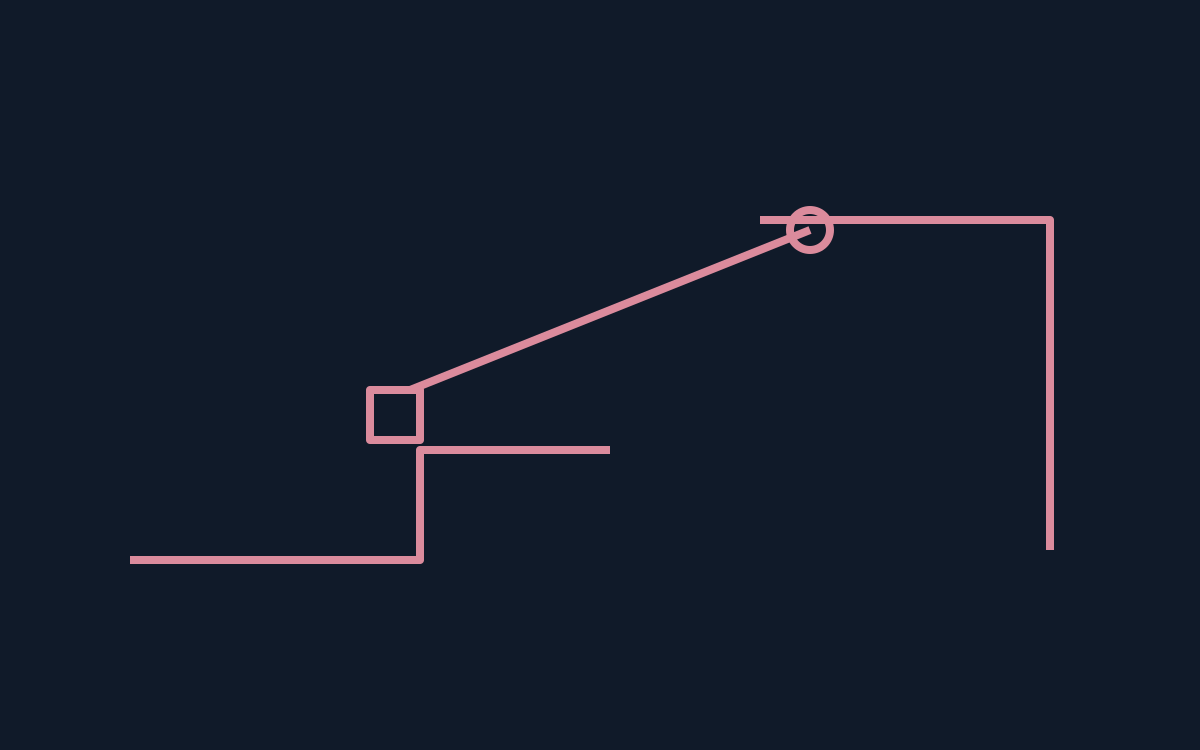
The published player code separates throwing a grapple, attachment to a solid object and pulling a holdable object into different states. It also handles release separately. That is code evidence, not our report of completing a level.
During your own play, watch for the moment a connection is made and the moment it ends. Describe which transition you expected before deciding whether another attempt needs a different direction or timing.
Use the source without confusing it with play
The repository distinguishes individual level cartridges from the final cartridge. Its README describes packing and level-offset updates. A visible source file is therefore not necessarily the complete release you should send to a player.
Creators can apply the same separation to build notes: identify editable material, the assembled playable file and test location. Public source does not automatically grant every reuse permission; check the relevant licence before taking code or assets.
Write feedback about one transition
A useful observation isolates one transition: what you aimed at, whether a connection appeared and what happened after release. Leave route spoilers out unless the recipient asks for them.
Save that sequence in the release checklist, then compare another attempt at the same point. This proposed exercise evaluates clarity rather than claiming a score or completion time. For actual controls and the playable build, return to the creators' page.
Official references
References checked: . Original editorial diagram by PixelGamesHub; not a game screenshot.
Keep going
Browser game guides
Practical reading for players and independent makers.
POOM browser controls: mouse capture and alternate schemes
Activate POOM's mouse support, compare one control setting, and keep its code licence separate from artwork and sound permissions.
Celeste Classic in a browser: learn the mountain controls
Find the original Celeste Classic, read its first room, and practise a short movement sequence before comparing another attempt.
Pixel art maker
Draw an original 16 × 16 sprite and export a transparent PNG in your browser.