Unblocked at school & workPuzzleNo download

Wordle Food Unblocked

Wordle Food loads as a single HTML5 page on PixelGamesHub, so most school and office filters that block app stores or Flash plugins still let it through. Guess the daily five-letter word in six attempts. Use Keyboard (type letters) and Enter (submit guess) to start a 5-minute puzzle session between classes or on a break.

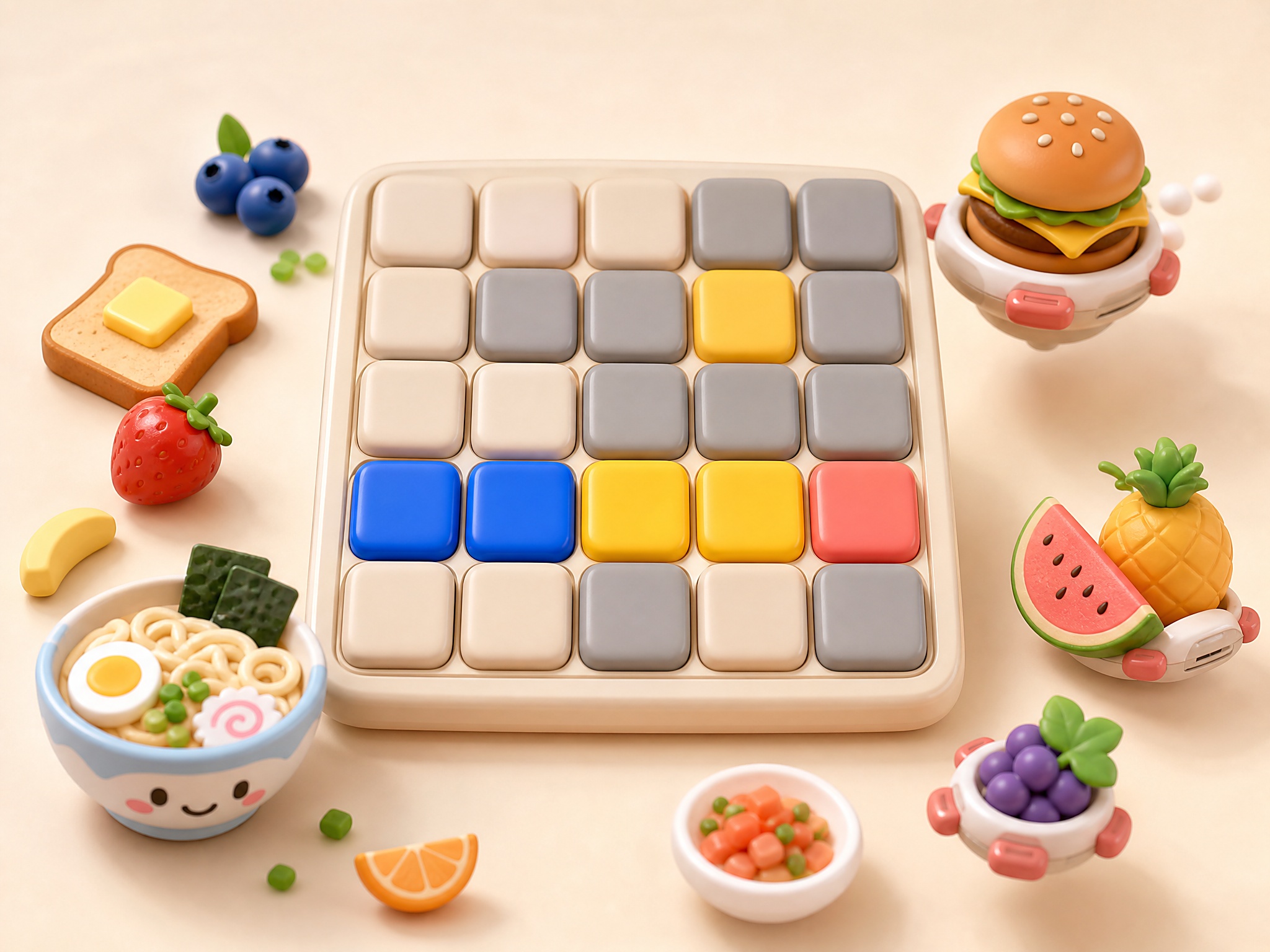
Wordle Food cover art
4.4 rating5 minutes session
Key facts

Quick answer before you play

Play ready
Price
Free
Platform
Web browser
Play status
Play instantly in your browser
Session
5 minutes
Age rating
Everyone
Source
Third-party browser embed
Gameplay guide

Gameplay summary and how to play Wordle Food

Wordle Food is a flavoured spin on the daily word-guess game that's still a top-30 search every day. Six guesses, five letters, food-related answers — green tile means right letter right place, yellow means right letter wrong place.

Objective

Guess the daily five-letter word in six attempts.

How to play
  1. 1Type any valid five-letter word and press enter to submit.
  2. 2Green = correct letter and position. Yellow = correct letter, wrong position. Grey = letter not in the word.
  3. 3Use the feedback from each guess to narrow the next; share the daily emoji grid when you finish.
Quick tips
Open with a vowel-rich word like 'audio' or 'arise' to expose three or four vowels in one round.
Save the harder consonants for guess two; you only get six.

Related links

Navigating School and Office Network Filters for Wordle Food

School and office networks frequently employ web filtering suites such as GoGuardian, Lightspeed Systems, or Securly to regulate online activity. These security platforms scan and categorize websites based on automated safety parameters, often blocking recreational content by default. Fortunately, puzzle games like Wordle Food frequently escape these blanket restrictions because they do not contain elements that typically trigger red flags, such as unmoderated user-generated content, violence, or aggressive monetization. Because the game is entirely focused on vocabulary and spelling, many network administrators choose to classify it as a low-risk educational tool, allowing students and employees to access it during designated free periods.

Another factor that helps this puzzle load successfully on managed Chromebooks is its lightweight, browser-based architecture. Unlike traditional gaming applications that require administrative privileges to download or install, HTML5 games run entirely within the secure sandbox of your existing browser. This design eliminates the risk of introducing malware or unauthorized software to the institution's hardware. As long as your school's central firewalls do not block the host domain outright, you can usually load the grid and play without needing to request special permissions from the IT department.


Why HTML5 and Iframe Delivery Succeeds Where App Installs Fail

Understanding how your school or workplace manages web traffic can help you understand why some games work while others fail. Many institutional networks use deep packet inspection to block specific file types, such as executable files or active browser extensions. Because Wordle Food is delivered via clean iframe integration directly on PixelGamesHub.com, it uses standard web protocols that look identical to normal educational traffic. This allows the game to load quickly on low-spec hardware, such as school-issued Chromebooks, without taxing the local network bandwidth or triggering security alerts on administrative monitoring consoles.

However, it is important to recognize the limitations of network-edge firewalls. If a school or corporate administrator has configured their gateway to block the category of online gaming entirely, the website will remain inaccessible. We strongly advise against attempting to use external proxy servers, virtual private networks, or unauthorized DNS configurations to bypass these firewalls. These methods violate standard acceptable use policies, can compromise your personal data security, and frequently alert network security teams to unauthorized activity on your device. Honesty and patience are always the best approaches when dealing with managed connections.

Maximizing Quick Five-Minute Breaks Between Classes

Wordle Food is an ideal candidate for short, five-minute breaks between classes or during quiet study periods because of how it handles user sessions. The game utilizes local browser storage to save your current board state, meaning your guesses are recorded in real-time. If a teacher begins a lesson or a meeting starts unexpectedly, you can safely close your Chromebook lid or minimize your browser window. When you return to the page later in the day, your progress will be preserved, allowing you to resume your daily food-themed puzzle without losing your current streak.

To make the most of these brief play sessions, you should develop a methodical strategy to solve the daily word in as few guesses as possible. Starting with high-value, vowel-rich culinary terms like CREAM, BREAD, or GRAIN helps eliminate major spelling paths immediately. Pay close attention to the color-coded feedback to narrow down your options without wasting guesses on random word structures. By taking a structured, analytical approach, you can successfully solve the daily puzzle in under three minutes, giving your brain a quick cognitive workout before returning to your academic responsibilities.

Wordle Food FAQ

Why is Wordle Food usually unblocked at school or work?

Wordle Food is a single HTML5 page on PixelGamesHub. It does not use Flash, does not require an external app store, and does not request an installer — so most network filters that block app installs or Flash portals still let it load.

Is Wordle Food safe on a school chromebook?

Wordle Food runs inside a sandboxed iframe on PixelGamesHub. It does not write outside browser storage and does not require any installer. School-managed Chromebooks that allow the open web should load it without policy violations, but check your school's acceptable-use policy first.

What is the goal in Wordle Food?

Guess the daily five-letter word in six attempts.

How do I play Wordle Food?

Type any valid five-letter word and press enter to submit. Then green = correct letter and position. yellow = correct letter, wrong position. grey = letter not in the word.

What are the controls for Wordle Food?

Keyboard: Type letters; Enter: Submit guess; Backspace: Erase letter

What kind of game is Wordle Food?

Wordle Food is a word, daily puzzle game. Guess the daily five-letter word in six attempts.

Disclaimer

Wordle Food may load a remote third-party iframe on the playable page. PixelGamesHub keeps this landing page informational and preserves the original provider embed behavior.

