Memory Match Unblocked
Memory Match loads as a single HTML5 page on PixelGamesHub, so most school and office filters that block app stores or Flash plugins still let it through. Find every matching emoji pair while using as few flips as possible. Use Click / Tap (flip card) and New Game (shuffle board) to start a 4-minute puzzle session between classes or on a break.
Quick answer before you play
- Price
- Free
- Platform
- Web browser
- Play status
- Play instantly in your browser
- Session
- 4 minutes
- Age rating
- Everyone
- Source
- PixelGamesHub preview
Gameplay summary and how to play Memory Match
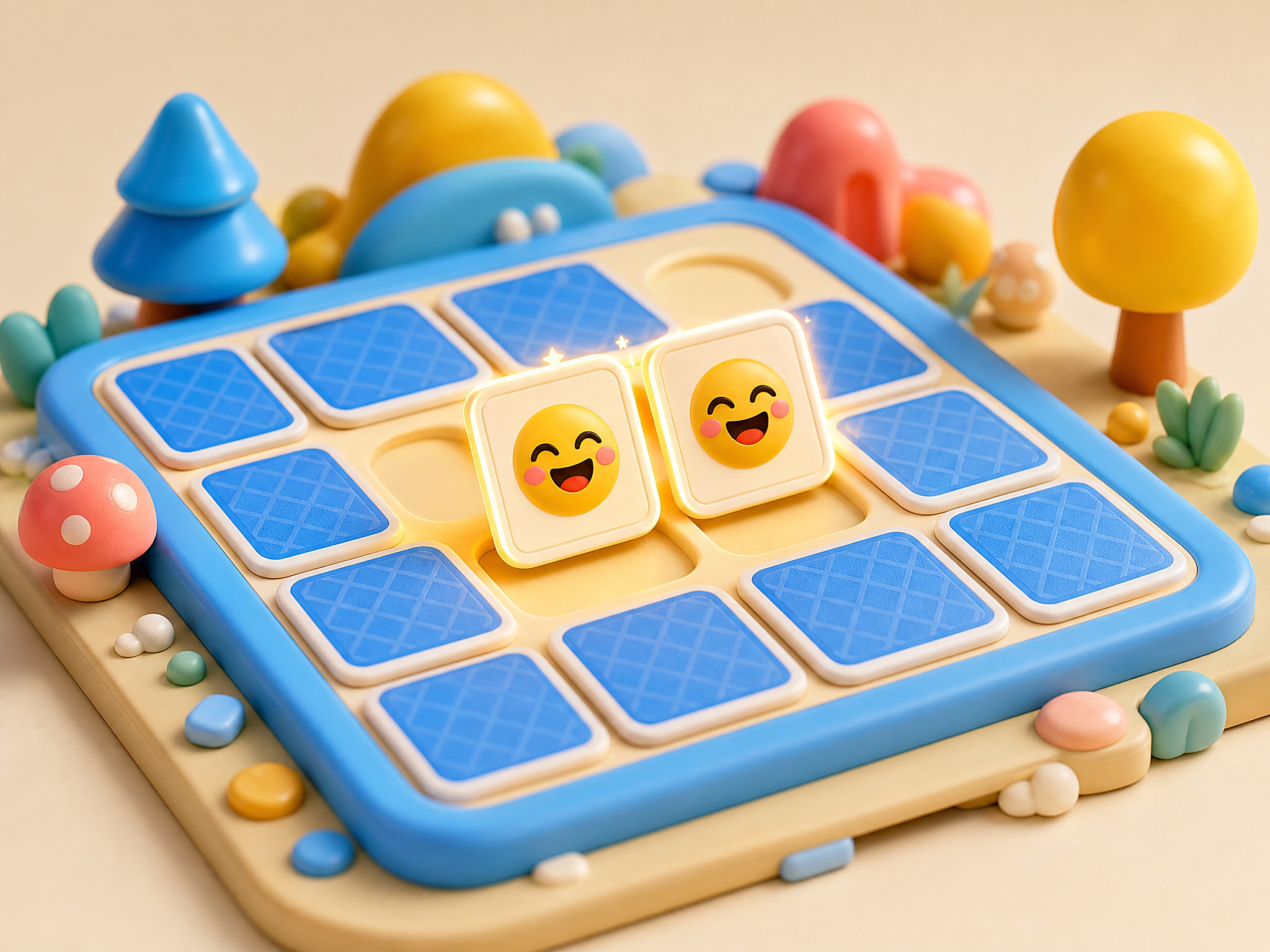
Memory Match is a self-hosted concentration puzzle with quick rounds and bright emoji cards. Flip two cards at a time, remember what you saw, and match all eight pairs with fewer moves.
Find every matching emoji pair while using as few flips as possible.
- 1Start a new board and flip two hidden cards at a time.
- 2Remember each revealed emoji and return to it when its pair appears.
- 3Clear the board by matching all pairs; replay to lower your move count.
Related links
Memory Match FAQ
Why is Memory Match usually unblocked at school or work?
Memory Match is a single HTML5 page on PixelGamesHub. It does not use Flash, does not require an external app store, and does not request an installer — so most network filters that block app installs or Flash portals still let it load.
Is Memory Match safe on a school chromebook?
Memory Match runs inside a sandboxed iframe on PixelGamesHub. It does not write outside browser storage and does not require any installer. School-managed Chromebooks that allow the open web should load it without policy violations, but check your school's acceptable-use policy first.
What is the goal in Memory Match?
Find every matching emoji pair while using as few flips as possible.
How do I play Memory Match?
Start a new board and flip two hidden cards at a time. Then remember each revealed emoji and return to it when its pair appears.
What are the controls for Memory Match?
Click / Tap: Flip card; New Game: Shuffle board; Memory: Match pairs
What kind of game is Memory Match?
Memory Match is a memory, casual puzzle game. Find every matching emoji pair while using as few flips as possible.
Disclaimer
Memory Match is presented on PixelGamesHub for quick browser play and discovery. Availability, controls, and credits follow the existing game record and playable page.
More games like Memory Match

Fifteen Puzzle
Slide numbered tiles into order on a clean local board.

Rabbit Adventure
Guide a red marker through obstacles to reach the rabbit.

Slide Puzzle Grid
Shuffle numbered tiles and rebuild the board in order.

Jelly Merge
Merge soft pieces until the board clicks into place.