Free Online GameAdventureNo download

Play JoyQuest Duo Online

JoyQuest Duo is a free 2 player adventure browser game on PixelGamesHub. Keep both lanes alive for as long as possible while dodging hazards in sync. Start a 8-minute adventure session with A / D (player one lane) and Left / Right (player two lane), no download required. Quick tip: Call out lane changes aloud when playing with a friend.

Chunky colorful controller for a couch co-op mini-game
4.8 rating8 minutes session
Key facts

Quick answer before you play

Play ready
Price
Free
Platform
Web browser
Play status
Play instantly in your browser
Session
8 minutes
Age rating
Everyone
Source
Third-party browser embed
Gameplay guide

Gameplay summary and how to play JoyQuest Duo

JoyQuest Duo is available on PixelGamesHub as a remote third-party Two Ball 3D Dark iframe substitute. Coordinate two fast lanes, dodge the dark-course hazards, and keep both players moving together.

Objective

Keep both lanes alive for as long as possible while dodging hazards in sync.

How to play
  1. 1Start the embedded course and assign one player to each side of the keyboard.
  2. 2Move each ball only when its lane is threatened; unnecessary switches create extra risk.
  3. 3The scoring loop is survival distance, and the run ends when either player hits an obstacle.
Quick tips
Call out lane changes aloud when playing with a friend.
If playing solo, focus on the more crowded lane first and use peripheral vision for the other.

Related links

Instant Browser Mechanics and Co-op Coordination in JoyQuest Duo

Entering the stylized world of JoyQuest Duo requires zero preparation, as this browser-based adventure bypasses the friction of modern gaming by eliminating installations, accounts, and system configuration. Because the game runs directly in a standard web browser using optimized HTML5, players can jump into the couch-style challenge within seconds of loading the page. The core design centers on sharing a single keyboard, meaning two players must physically coordinate their movements in real time. This local setup changes the dynamic of the adventure genre, transforming simple platforming into a test of physical proximity and verbal timing.

The game handles this instant-play format by mapping distinct clusters of keys on a single layout, allowing immediate tactical decisions. Beginners often struggle with the asymmetrical design, as one player may control a character with floaty, high-jumping physics while the other manages a heavier, faster entity. Mastering the momentum and physics of these distinct archetypes is the first major hurdle. Unlike standard platformers where you can run ahead, this game enforces a screen boundary that prevents one player from leaving the other behind, demanding constant verbal cues and highly synchronized movement patterns.

The Skill Curve: Transitioning from Beginner to Veteran

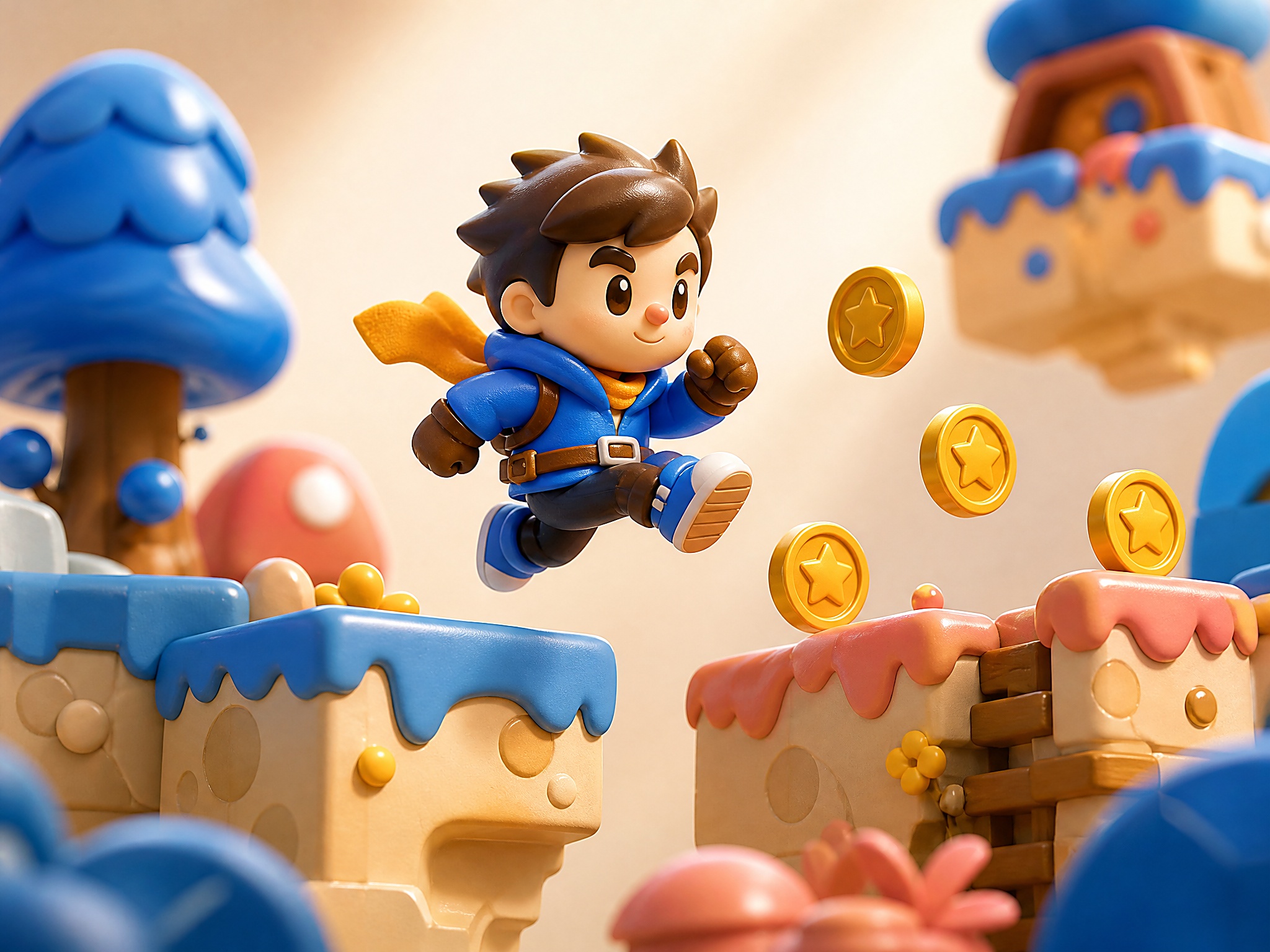
Transitioning from a novice to an experienced player in JoyQuest Duo requires moving past sequential play. Beginners tend to wait for one player to clear an obstacle before the other moves, which fails as stages introduce moving hazards and timed switches. Veterans develop a fluid rhythm, moving in parallel and anticipating each other's pathing. This level of coordination relies on understanding input buffering and physical hitboxes. Experienced pairs navigate tight corridors without colliding awkwardly, turning what looks like chaotic button-mashing into a synchronized pattern that makes full use of the responsive browser controls.

The skill curve also involves managing character-specific cooldowns under environmental hazards. One avatar might possess the ability to temporarily freeze hazards, while the other must execute a precise series of jumps during that brief window. A novice team will panic and mistime the freeze, whereas advanced players treat these windows as a choreographic sequence. Understanding the exact duration of these abilities, along with the precise slide distance of characters on different terrain types, separates those who struggle through early levels from those who can complete the campaign cleanly.

Common Mistakes and Spatial Management in JoyQuest Duo

One of the most frequent mistakes players make in JoyQuest Duo is failing to manage the dynamic camera anchor point. The camera sits dynamically between both characters, adjusting its zoom based on their proximity. When one player rushes too far ahead or falls behind, the camera pans rapidly, disorienting the trailing player and often causing them to drop into hazards. Learning to maintain a consistent distance between the two avatars is a fundamental skill that prevents unnecessary deaths. Players must resist the urge to race forward individually and instead treat progress as a shared tether.

Another common pitfall is ignoring the physics-based interactions between the two characters. Players often forget that their avatars can serve as physical platforms for one another. Instead of searching for complex puzzle solutions, advanced players will often have one character stand on the other to reach high ledges, bypassing difficult obstacles entirely. Additionally, mistiming switch activation is a major bottleneck; players must learn that many pressure plates have a slight delay before they retract, requiring the passing player to commit to their jump before the path actually looks safe.

JoyQuest Duo FAQ

Can I play JoyQuest Duo online for free?

Yes. JoyQuest Duo is a free browser adventure game on PixelGamesHub, available at /games/joyquest-duo. No download, no signup.

What is the goal in JoyQuest Duo?

Keep both lanes alive for as long as possible while dodging hazards in sync.

How do I play JoyQuest Duo?

Start the embedded course and assign one player to each side of the keyboard. Then move each ball only when its lane is threatened; unnecessary switches create extra risk.

What are the controls for JoyQuest Duo?

A / D: Player one lane; Left / Right: Player two lane; Focus: Avoid obstacles

How long is one round of JoyQuest Duo?

JoyQuest Duo is built for a 8-minute adventure session — short enough to fit a break, long enough to chase a clean run.

Any tips for JoyQuest Duo?

Call out lane changes aloud when playing with a friend. If playing solo, focus on the more crowded lane first and use peripheral vision for the other.

Does JoyQuest Duo need a download?

No. JoyQuest Duo runs from a browser page on PixelGamesHub — no app install, no APK, no Steam link.

Disclaimer

JoyQuest Duo may load a remote third-party iframe on the playable page. PixelGamesHub keeps this landing page informational and preserves the original provider embed behavior.

Explore more hubs

Long-tail hubs related to JoyQuest Duo