Free Online GameActionNo download

Play Getting Over It Hammer Online

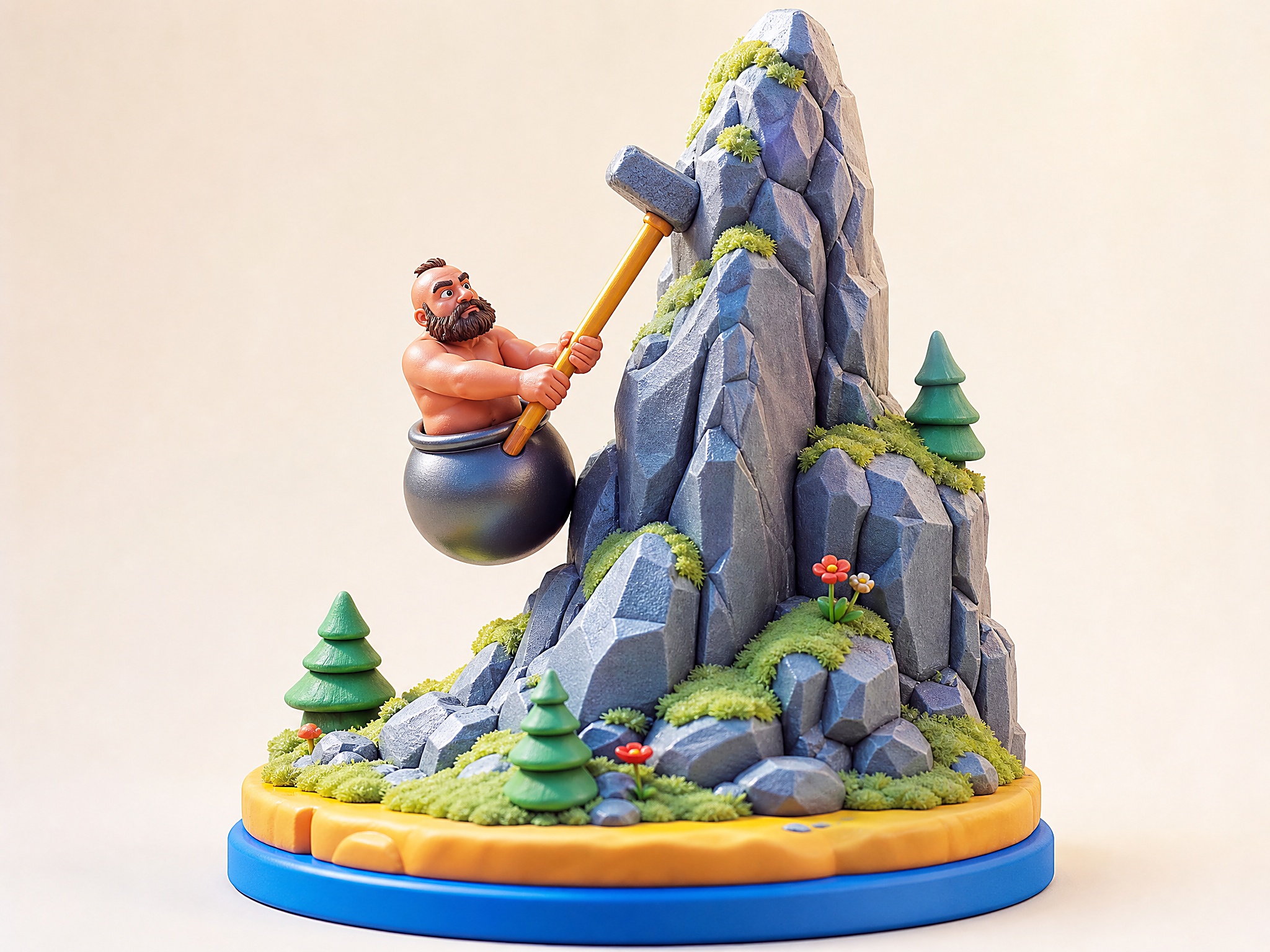
Getting Over It Hammer is a free physics action browser game on PixelGamesHub. Climb as high as possible up the mountain by manoeuvring a pot-mounted character with a hammer. Start a 20-minute action session with Mouse (swing hammer) and Touch (drag on mobile), no download required. Quick tip: Slow movements beat fast ones. The hammer has more grip when the mouse glides.

Getting Over It Hammer cover art
4.4 rating20 minutes session
Key facts

Quick answer before you play

Play ready
Price
Free
Platform
Web browser
Play status
Play instantly in your browser
Session
20 minutes
Age rating
Everyone
Source
Third-party browser embed
Gameplay guide

Gameplay summary and how to play Getting Over It Hammer

Getting Over It Hammer is the browser-playable take on Bennett Foddy's hammer-climber. You're stuck in a pot, you have a hammer, and you have to claw your way up a mountain of trash and trampolines. One slip and you slide back to the start.

Objective

Climb as high as possible up the mountain by manoeuvring a pot-mounted character with a hammer.

How to play
  1. 1Move the mouse to swing the hammer; the pot follows the hammer's leverage.
  2. 2Plant the hammer head on a surface, then push the mouse the opposite way to pull yourself up.
  3. 3There are no checkpoints. A bad swing can drop you back tens of metres — that's the point.
Quick tips
Slow movements beat fast ones. The hammer has more grip when the mouse glides.
Don't rush past the trampoline — a bad bounce reset is the highest cost in the game.

Related links

Mastering the Physics of Instant Browser-Based Climbing

Getting Over It Hammer brings the notoriously punishing physics-based climbing genre directly to your browser window with zero installation steps, accounts, or loading delays. The core loop relies entirely on how you translate mouse movements into the circular momentum of a sledgehammer. Because there are no keyboard inputs or digital movement keys, every micro-adjustment of your cursor directly affects the angle and force of your lever. Beginners often treat the mouse like a standard pointing tool, but surviving this vertical climb requires viewing it as a physical extension of the hammer head, where slow drag-and-release actions are vastly superior to erratic flicking.

Launching the game instantly in your browser means you are immediately subjected to its uncompromising gravity model. Since there are no checkpoints or save states to rescue you, your browser tab becomes a self-contained test of mechanical consistency. Veteran players understand that the physics engine calculates friction based on the angle of the hammer's flat head against the jagged polygonal terrain. This instant-play version demands that you learn the tactile feedback of slip states, recognizing when a surface will support your weight and when a hasty push will send you plummeting back to the starting basin.


Decoding the Skill Curve from Spasmodic Flicks to Controlled Levers

The dividing line between a frustrated novice and a skilled climber in this browser adaptation lies in understanding mechanical leverage. Beginners typically try to pull themselves upward using rapid, chaotic circles, which almost always results in launching the character away from the mountain face. In contrast, experienced players utilize the hammer as a lever rather than a hook, gently resting the head on a platform and slowly expanding the distance between the pot and the anchor point. This deliberate approach allows you to scale incredibly steep inclines by maintaining a low center of gravity and minimizing unnecessary vertical bounces.

Another critical milestone on the skill curve is mastering the high jump, which requires a precise downward push followed by a rapid sweeping motion. Executing this without losing control requires a steady hand and a reliable mouse sensor, as any sudden tracking skip can ruin minutes of careful climbing. By treating each movement as a calculated geometric vector rather than a frantic panic-swipe, you gradually build the muscle memory needed to navigate the trickier vertical gaps. The beauty of this browser-based setup is that you can practice these subtle adjustments continuously without dealing with bloated menus or hardware configuration issues.

Common Mechanical Mistakes and How to Avoid Them

The most common mistake players make is over-committing to blind leaps when a conservative pivot would suffice. When you push off a ledge with too much force, you lose contact with the terrain, leaving you completely helpless in mid-air until gravity pulls you back down. To prevent these catastrophic falls, practice keeping your hammer head close to the rock face even during active ascents, allowing you to quickly catch yourself on lower shelves if your primary push slips. Developing this defensive mindset is essential for progressing past the early obstacles and reaching the higher, more precarious sections of the climb.

Another frequent error involves misjudging the collision boxes of the various environmental obstacles scattered across the mountain. Not every visible surface is solid, and some rounded edges will actively push your hammer away instead of providing a secure grip. Before attempting a high-risk vault off an unfamiliar object, perform a few light taps with your hammer to probe its physical properties and boundary edges. Taking a few seconds to verify these collision points prevents the devastating sliding chain reactions that can erase your entire progress in a matter of heart-breaking seconds.

Getting Over It Hammer FAQ

Can I play Getting Over It Hammer online for free?

Yes. Getting Over It Hammer is a free browser action game on PixelGamesHub, available at /games/getting-over-it-clone. No download, no signup.

What is the goal in Getting Over It Hammer?

Climb as high as possible up the mountain by manoeuvring a pot-mounted character with a hammer.

How do I play Getting Over It Hammer?

Move the mouse to swing the hammer; the pot follows the hammer's leverage. Then plant the hammer head on a surface, then push the mouse the opposite way to pull yourself up.

What are the controls for Getting Over It Hammer?

Mouse: Swing hammer; Touch: Drag on mobile

How long is one round of Getting Over It Hammer?

Getting Over It Hammer is built for a 20-minute action session — short enough to fit a break, long enough to chase a clean run.

Any tips for Getting Over It Hammer?

Slow movements beat fast ones. The hammer has more grip when the mouse glides. Don't rush past the trampoline — a bad bounce reset is the highest cost in the game.

Does Getting Over It Hammer need a download?

No. Getting Over It Hammer runs from a browser page on PixelGamesHub — no app install, no APK, no Steam link.

Disclaimer

Getting Over It Hammer may load a remote third-party iframe on the playable page. PixelGamesHub keeps this landing page informational and preserves the original provider embed behavior.

Explore more hubs

Long-tail hubs related to Getting Over It Hammer

