Unblocked at school & workActionNo download

Geometry Dash Online Unblocked

Geometry Dash Online loads as a single HTML5 page on PixelGamesHub, so most school and office filters that block app stores or Flash plugins still let it through. Reach the end of a level by jumping past every spike, gap, and trap in time with the music. Use Space / Click (jump) and Touch (tap to jump on mobile) to start a 5-minute action session between classes or on a break.

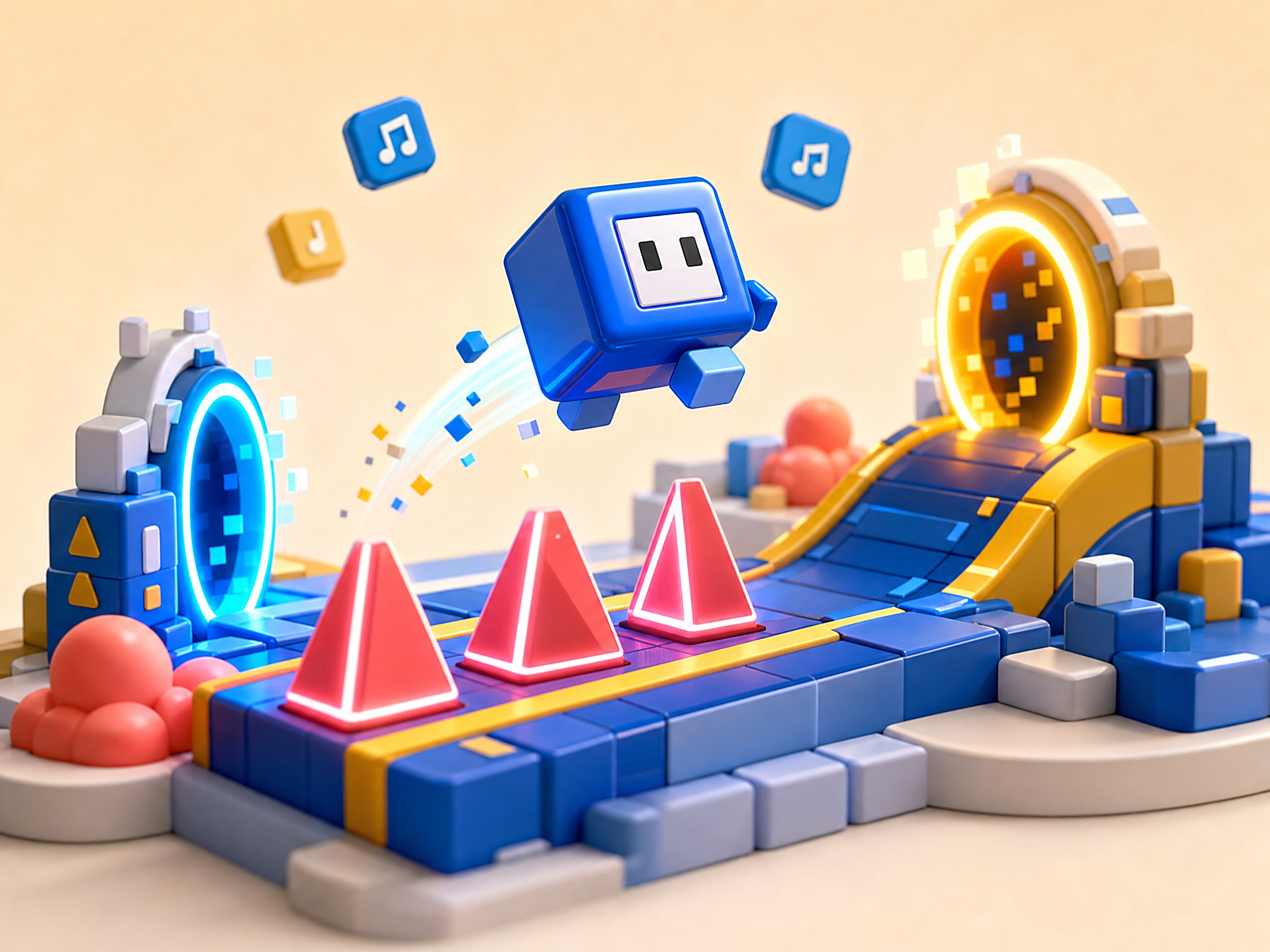
Geometry Dash Online cover art
4.7 rating5 minutes session
Key facts

Quick answer before you play

Play ready
Price
Free
Platform
Web browser
Play status
Play instantly in your browser
Session
5 minutes
Age rating
Everyone
Source
Third-party browser embed
Gameplay guide

Gameplay summary and how to play Geometry Dash Online

Geometry Dash Online drops you onto a scrolling rhythm track where every jump lines up with the music. Memorise each spike pattern, time your taps, and chase a clean run-through on the level you're stuck on.

Objective

Reach the end of a level by jumping past every spike, gap, and trap in time with the music.

How to play
  1. 1Tap the canvas (or press space) to jump — the first attempt is reconnaissance, not a win.
  2. 2Watch how the obstacle pattern matches the beat; that's how you learn to time the rhythm rather than fight it.
  3. 3When you die, restart immediately — the level resets fast and the muscle memory only sticks if you keep replaying.
Quick tips
Don't watch the cube — watch the spike that's about to arrive. Reaction time wins runs.
If a section keeps killing you, drop the music to half-volume so the visual cue dominates.

Related links

Navigating School Filters to Play Geometry Dash Online

Many students and office workers find themselves blocked from playing their favorite rhythm games due to restrictive network filters. Systems like GoGuardian, Securly, and Lightspeed are commonly deployed on school-issued Chromebooks and enterprise networks to restrict traffic to educational or work-related domains. However, browser-based versions of Geometry Dash Online often run within secure iframes, which allows them to bypass certain local application blocklists that target desktop installs or mobile app stores. Because these browser ports run entirely in HTML5, they do not require administrative privileges or software installations to load.

Whether you can access the game depends heavily on how your network administrator has configured the firewall. If a school blocks the entire domain at the network edge, the page simply will not load, and we do not recommend using unsafe proxies or virtual private networks to circumvent these rules. However, because this web port contains no graphic violence, in-app purchases, or unmoderated user-generated content, it often falls into a safer categorization than mainstream gaming portals. This clean profile makes it much more likely to remain accessible on standard educational networks that filter out mature content.


Why Chromebooks and Browser Engines Excel at Rhythm Platforms

Managed Chromebooks are designed to be lightweight, secure devices, which often limits their ability to run traditional native games. Geometry Dash Online is optimized for these low-spec environments because it relies on web-standard technology rather than heavy local assets. The game rendering is handled directly by the browser canvas, making it highly responsive even on hardware with limited processing power. This execution model minimizes input lag, which is absolutely critical for a rhythm platformer where a millisecond delay means the difference between clearing a spike or crashing.

Additionally, the absence of heavy background processes on ChromeOS allows the game engine to maintain a stable framerate. Because the game is hosted on a standard HTTPS domain, the data transmission is encrypted, preventing local packet inspection from misidentifying the game traffic as a security threat. For users on managed networks, this means a smoother, safer gameplay experience without the risk of triggering local security alerts that typically occur when attempting to run executable files or unrecognized browser extensions.

Quick Session Strategies and Rhythm Mastery Between Classes

Since playtime in a school or office setting is usually limited to short breaks, mastering the rapid loop of Geometry Dash Online requires a focused approach. Unlike longer role-playing or strategy games, this rhythm runner is designed for immediate trial and error. A single attempt can last anywhere from two seconds to a minute, making it the perfect micro-break activity to clear your mind between classes or during lunch. The key is to treat each failure as a learning step, analyzing the rhythm of the music to anticipate when to tap.

To make the most of limited time, focus on memorizing the visual cues and sync them with the background beat. If you are playing on a school keyboard, try using the spacebar or up arrow key depending on which key switch feels more responsive to rapid, light taps. Keeping your audio at a subtle level, or using headphones, is highly recommended to stay in sync with the audio cues that signal upcoming obstacles. Developing this muscle memory in short, focused intervals is far more effective than marathon sessions.

Geometry Dash Online FAQ

Why is Geometry Dash Online usually unblocked at school or work?

Geometry Dash Online is a single HTML5 page on PixelGamesHub. It does not use Flash, does not require an external app store, and does not request an installer — so most network filters that block app installs or Flash portals still let it load.

Is Geometry Dash Online safe on a school chromebook?

Geometry Dash Online runs inside a sandboxed iframe on PixelGamesHub. It does not write outside browser storage and does not require any installer. School-managed Chromebooks that allow the open web should load it without policy violations, but check your school's acceptable-use policy first.

What is the goal in Geometry Dash Online?

Reach the end of a level by jumping past every spike, gap, and trap in time with the music.

How do I play Geometry Dash Online?

Tap the canvas (or press space) to jump — the first attempt is reconnaissance, not a win. Then watch how the obstacle pattern matches the beat; that's how you learn to time the rhythm rather than fight it.

What are the controls for Geometry Dash Online?

Space / Click: Jump; Touch: Tap to jump on mobile; R: Restart

What kind of game is Geometry Dash Online?

Geometry Dash Online is a rhythm, reflex action game. Reach the end of a level by jumping past every spike, gap, and trap in time with the music.

Geometry Dash rhythm-memorisation

Geometry Dash is rhythm-platforming where every jump should match a beat in the music. The level isn't just visually scrolling; it's musically scrolling. Here's how to actually learn levels.

The Geometry Dash core mechanic

Tap to jump. The cube moves forward at constant speed; you only control jump timing.

Spikes, gaps, and traps are placed to match the music. The level designers tune obstacle positions to specific beats.

Practice mode lets you place checkpoints. Use them to learn hard sections without restarting from level start.

Three habits that beat hard levels

Don't watch the cube. Watch the spike that's about to arrive. Reaction time wins runs; staring at your own cube doesn't.

Drop music to half-volume on hard sections. The visual cue dominates when you've memorised the rhythm.

Use practice mode aggressively. Place a checkpoint right before the section you can't beat, drill it 50 times, then go back to normal mode.

Common Geometry Dash mistakes

Mashing jump. Jump is a single tap per gap; mashing wastes inputs and lands you on spikes.

Trying hard levels without practice mode. The 1% completion rates are real. Practice the hard sections first.

Memorising the sequence without the rhythm. Memory works for one playthrough; rhythm survives over weeks.

Disclaimer

Geometry Dash Online may load a remote third-party iframe on the playable page. PixelGamesHub keeps this landing page informational and preserves the original provider embed behavior.

Explore more hubs

Long-tail hubs related to Geometry Dash Online

