Free Online GameActionNo download

Play Geometry Dash Online Online

Geometry Dash Online is a free rhythm action browser game on PixelGamesHub. Reach the end of a level by jumping past every spike, gap, and trap in time with the music. Start a 5-minute action session with Space / Click (jump) and Touch (tap to jump on mobile), no download required. Quick tip: Don't watch the cube — watch the spike that's about to arrive. Reaction time wins runs.

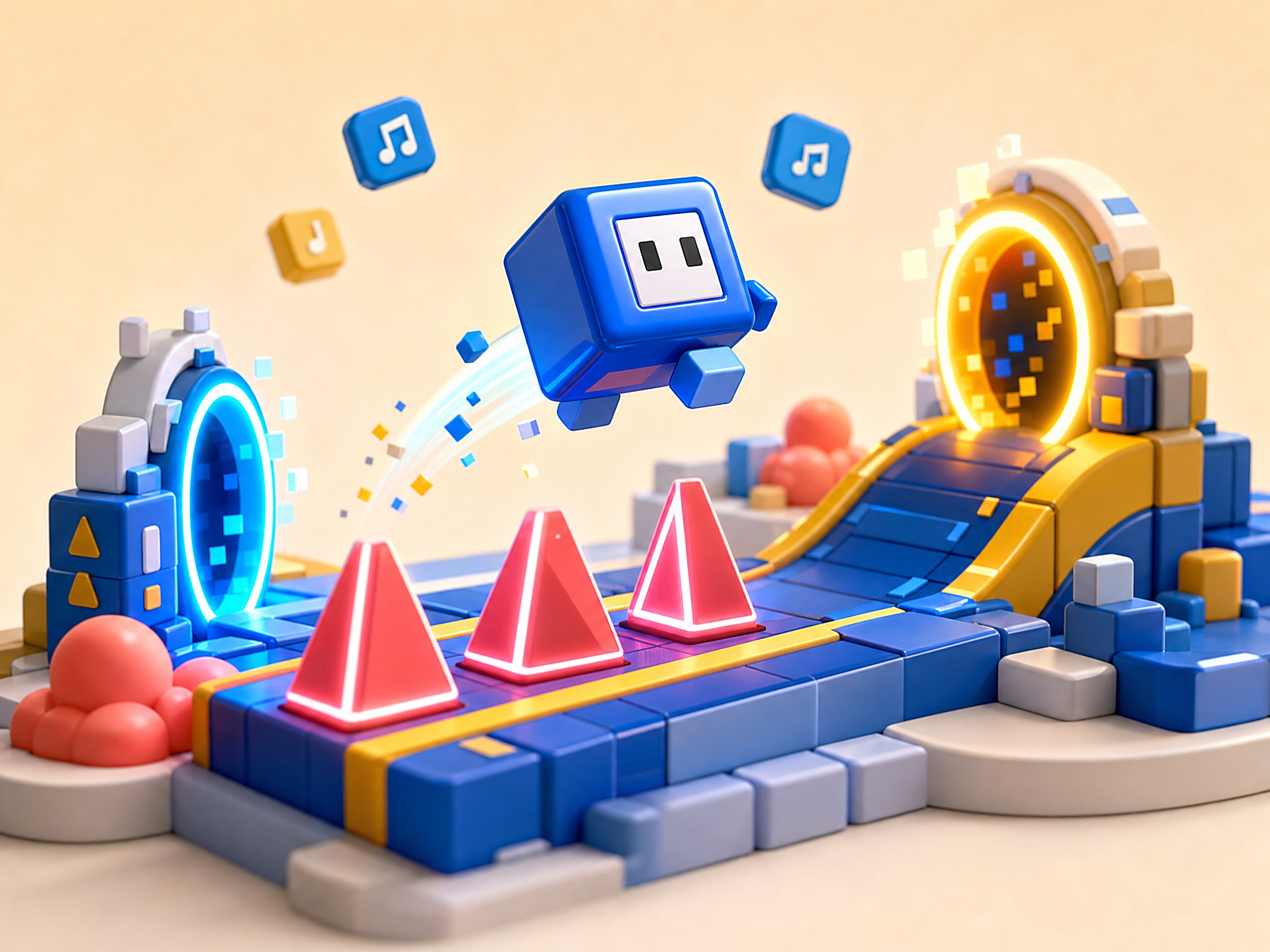
Geometry Dash Online cover art
4.7 rating5 minutes session
Key facts

Quick answer before you play

Play ready
Price
Free
Platform
Web browser
Play status
Play instantly in your browser
Session
5 minutes
Age rating
Everyone
Source
Third-party browser embed
Gameplay guide

Gameplay summary and how to play Geometry Dash Online

Geometry Dash Online drops you onto a scrolling rhythm track where every jump lines up with the music. Memorise each spike pattern, time your taps, and chase a clean run-through on the level you're stuck on.

Objective

Reach the end of a level by jumping past every spike, gap, and trap in time with the music.

How to play
  1. 1Tap the canvas (or press space) to jump — the first attempt is reconnaissance, not a win.
  2. 2Watch how the obstacle pattern matches the beat; that's how you learn to time the rhythm rather than fight it.
  3. 3When you die, restart immediately — the level resets fast and the muscle memory only sticks if you keep replaying.
Quick tips
Don't watch the cube — watch the spike that's about to arrive. Reaction time wins runs.
If a section keeps killing you, drop the music to half-volume so the visual cue dominates.

Related links

Instant Browser Access to Rhythm-Action Mechanics

This browser version runs directly in your standard web browser without requiring any installation, system modifications, or account registration. By bypassing the usual setup barriers, you can launch the game instantly and focus entirely on the tight, tap-to-jump mechanics that define the rhythm-action genre. The game maps all movement to a single, highly responsive input—typically the spacebar, mouse click, or up arrow key—making the barrier to entry low while keeping the skill ceiling remarkably high.

Because the action is tied directly to the rhythm of the background track, your browser's audio-visual synchronization is critical to your success. The web-based engine is optimized to deliver low-latency feedback, ensuring that your keypresses register immediately as you guide your square icon through shifting corridors. Without the distraction of achievements, friends lists, or heavy launcher clients, you get a stripped-down, pure test of reflexes where the only variable that matters is your own timing.


Deciphering the Skill Curve: From Sight Reading to Muscle Memory

The jump from a beginner to an experienced player is marked by a shift in how you process the obstacles scrolling across the screen. Novices tend to react purely on sight, waiting until a spike is close before attempting to clear it, which pressure-tests their reflexes and inevitably leads to over-correction and mistimed landings. Veterans, however, treat each stage as a musical composition, using the auditory beat to predict exactly when to initiate a jump, slide, or hold pattern.

Advanced stages complicate this rhythm by introducing gravity-altering portals, flight vehicles, and bounce pads that instantly change how your icon behaves. A common mistake at this level of play is over-inputting; for example, holding down the jump key through a gravity portal often causes an accidental secondary jump on the ceiling, leading to an immediate crash. Learning to let the level's automatic physics do the work during transition phases is a crucial milestone on the path to mastering the overall game.

Technical Tips and Practice Strategies for Error-Free Runs

When playing inside a web browser, small performance drops can completely disrupt your timing on tighter jump sequences. To minimize input lag, it is highly recommended to close resource-heavy background applications and disable non-essential browser extensions before starting a session. Utilizing a wired mouse or keyboard instead of a wireless connection can also shave off those crucial fractions of a millisecond that often make the difference between passing a triple spike and starting over.

Additionally, many players hinder their own progress by refusing to use practice checkpoints to learn the later phases of a difficult layout. Bashing your head against the start of a level repeatedly only teaches you the first twenty percent of the obstacles while leaving the rest of the map a mystery. By placing temporary markers in practice mode, you can master the trickiest transitions individually before attempting a flawless, uninterrupted run from the beginning.

Geometry Dash Online FAQ

Can I play Geometry Dash Online online for free?

Yes. Geometry Dash Online is a free browser action game on PixelGamesHub, available at /games/geometry-dash-online. No download, no signup.

What is the goal in Geometry Dash Online?

Reach the end of a level by jumping past every spike, gap, and trap in time with the music.

How do I play Geometry Dash Online?

Tap the canvas (or press space) to jump — the first attempt is reconnaissance, not a win. Then watch how the obstacle pattern matches the beat; that's how you learn to time the rhythm rather than fight it.

What are the controls for Geometry Dash Online?

Space / Click: Jump; Touch: Tap to jump on mobile; R: Restart

How long is one round of Geometry Dash Online?

Geometry Dash Online is built for a 5-minute action session — short enough to fit a break, long enough to chase a clean run.

Any tips for Geometry Dash Online?

Don't watch the cube — watch the spike that's about to arrive. Reaction time wins runs. If a section keeps killing you, drop the music to half-volume so the visual cue dominates.

Does Geometry Dash Online need a download?

No. Geometry Dash Online runs from a browser page on PixelGamesHub — no app install, no APK, no Steam link.

Geometry Dash rhythm-memorisation

Geometry Dash is rhythm-platforming where every jump should match a beat in the music. The level isn't just visually scrolling; it's musically scrolling. Here's how to actually learn levels.

The Geometry Dash core mechanic

Tap to jump. The cube moves forward at constant speed; you only control jump timing.

Spikes, gaps, and traps are placed to match the music. The level designers tune obstacle positions to specific beats.

Practice mode lets you place checkpoints. Use them to learn hard sections without restarting from level start.

Three habits that beat hard levels

Don't watch the cube. Watch the spike that's about to arrive. Reaction time wins runs; staring at your own cube doesn't.

Drop music to half-volume on hard sections. The visual cue dominates when you've memorised the rhythm.

Use practice mode aggressively. Place a checkpoint right before the section you can't beat, drill it 50 times, then go back to normal mode.

Common Geometry Dash mistakes

Mashing jump. Jump is a single tap per gap; mashing wastes inputs and lands you on spikes.

Trying hard levels without practice mode. The 1% completion rates are real. Practice the hard sections first.

Memorising the sequence without the rhythm. Memory works for one playthrough; rhythm survives over weeks.

Disclaimer

Geometry Dash Online may load a remote third-party iframe on the playable page. PixelGamesHub keeps this landing page informational and preserves the original provider embed behavior.

Explore more hubs

Long-tail hubs related to Geometry Dash Online

