Unblocked at school & workActionNo download

Doodle Jump Extra Unblocked

Doodle Jump Extra loads as a single HTML5 page on PixelGamesHub, so most school and office filters that block app stores or Flash plugins still let it through. Climb as high as possible by bouncing across platforms without falling off the bottom. Use Arrows / A,D (drift left / right) and Touch / Tilt (mobile control) to start a 5-minute action session between classes or on a break.

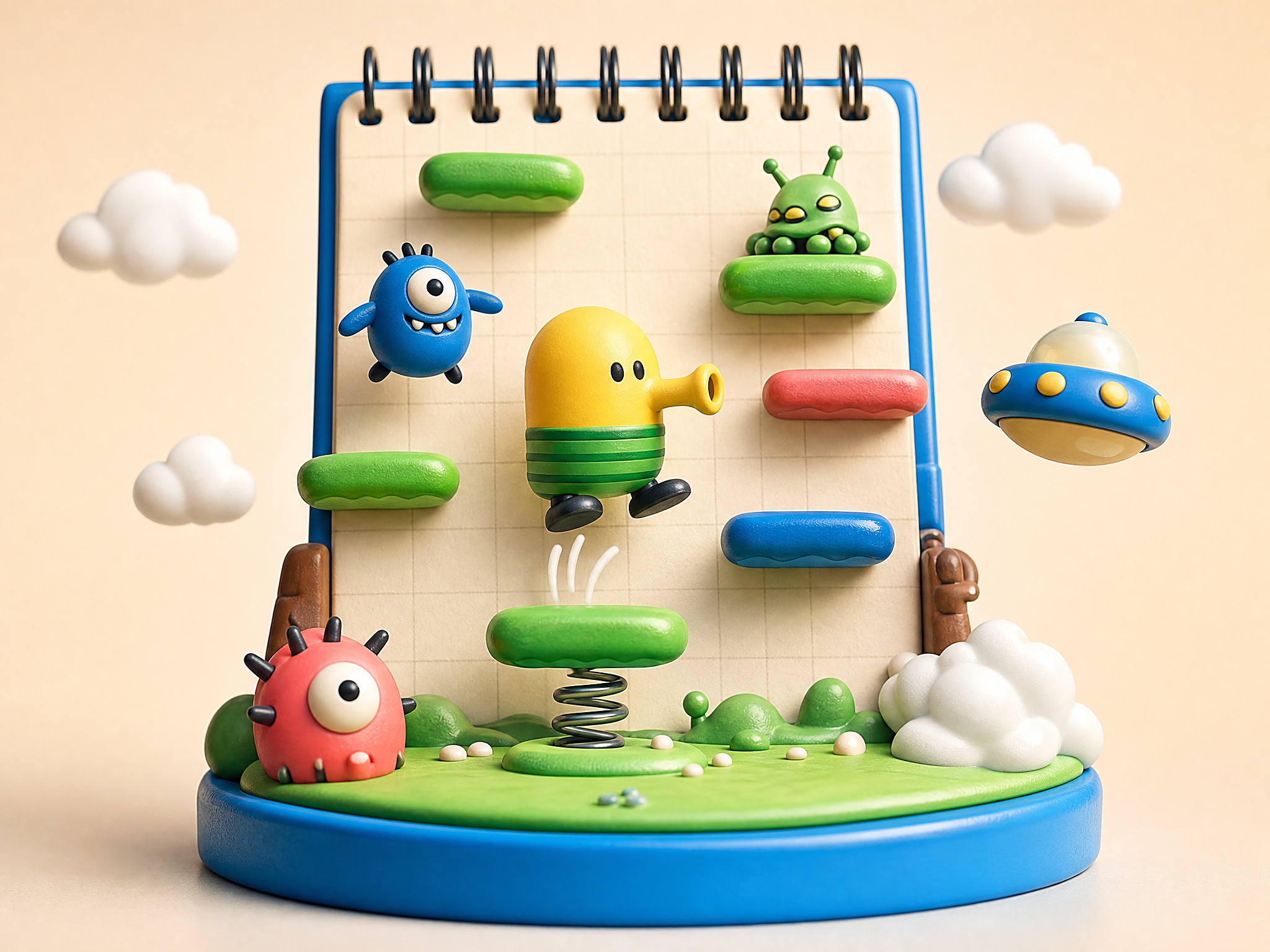
Doodle Jump Extra cover art
4.5 rating5 minutes session
Key facts

Quick answer before you play

Play ready
Price
Free
Platform
Web browser
Play status
Play instantly in your browser
Session
5 minutes
Age rating
Everyone
Source
Third-party browser embed
Gameplay guide

Gameplay summary and how to play Doodle Jump Extra

Doodle Jump Extra is a browser-faithful take on the platform-hopping mobile classic. Drift left and right, time the spring tiles, and don't look down — the higher you go, the faster the platforms thin out.

Objective

Climb as high as possible by bouncing across platforms without falling off the bottom.

How to play
  1. 1Tilt with arrow keys (or tilt your phone) to drift left and right; you bounce automatically on every platform.
  2. 2Spring platforms launch you higher and skip risky midground — chase them when they're close.
  3. 3Avoid the moving and breaking platforms when you can; they're the main reason runs end.
Quick tips
Stay near the centre of the screen. The screen wraps, so drifting too far is a wasted second.
Take the riskier far-side platform if it has a power-up — losing the run still beats taking the safe one and stalling.

Related links

Accessing Doodle Jump Extra on K-12 School Chromebooks

Many students and office workers try to play Doodle Jump Extra during breaks, only to find their school Chromebooks or corporate laptops restricted by strict network filters. Security software from K-12 filtering vendors such as Lightspeed, Securly, and GoGuardian often restricts direct downloads of executable files. However, playing Doodle Jump Extra as a browser-based HTML5 game on a platform like PixelGamesHub.com frequently bypasses these standard blocks. This is because the game runs within a secure web frame rather than requiring local system privileges or file installations. While administrators restrict app store downloads to maintain system security, standard browser traffic is treated with a lower threat level, allowing web-based platforms to remain accessible.

It is important to realize that if your school or workplace has blocked the domain at the network edge, attempting to use unauthorized proxy websites or virtual private networks can violate acceptable use policies. Instead, the reliability of browser-based games comes down to how system administrators categorize web traffic. Since Doodle Jump Extra loads entirely via standard HTTPS requests, it does not require local administration rights. This makes it an ideal option for short gaming sessions on managed Chromebooks, provided the hosting domain itself has not been manually blacklisted by your institution's IT department.


Why Content Administrators Safelist This Sketchbook Classic

When IT administrators configure filters like GoGuardian or Securly, they categorize websites based on potential risks and bandwidth usage. Doodle Jump Extra stands out as an easy candidate for safelisting because it lacks the problematic elements associated with modern multiplayer games. There are no built-in chat features, meaning there is zero risk of unmonitored user-generated content or online harassment. Additionally, the game contains no simulated violence, blood, or mature themes, instead relying on its classic, family-friendly hand-drawn notebook aesthetic. This clean design makes it highly defensible if an instructor or supervisor glances at your screen during an approved free period.

Furthermore, the game does not feature predatory in-app purchases, microtransactions, or invasive tracking scripts that violate student privacy laws. Network administrators prioritize bandwidth conservation and student data security, meaning resource-heavy games with constant background data synchronization are the first to get blocked. Doodle Jump Extra is lightweight, loading its minimal asset package in a single pass. Because it operates within a sandboxed browser environment without demanding excessive network bandwidth, it represents a minimal footprint on institutional networks, often allowing it to slip past strict broad-spectrum traffic filters.

Fast-Paced Strategy for Brief Study Breaks

Playing Doodle Jump Extra in a school or office setting requires a different approach than playing at home, primarily due to the limited time available between classes. Since sessions must be quick, mastering the immediate vertical movement becomes essential. Players should focus on recognizing platform patterns early; green platforms remain stable, while brown cracked ones crumble instantly upon contact. Because you cannot pause mid-action if a teacher approaches, training your eyes to look at the top third of the screen rather than focusing on your character allows you to map out your jumps three steps in advance.

Another key component of quick-session success is the conservative use of springs and jetpacks. While these items provide a massive vertical boost, they also launch you into unexplored territory at high speeds, making it easy to collide with an unexpected obstacle if your reactions are delayed. When playing silently without game audio, visual cues are your only indicators of upcoming hazards. Prioritize landing on stable, shifting blue platforms over taking risky leaps toward high-altitude power-ups, ensuring your brief gameplay breaks result in consistent high scores.

Doodle Jump Extra FAQ

Why is Doodle Jump Extra usually unblocked at school or work?

Doodle Jump Extra is a single HTML5 page on PixelGamesHub. It does not use Flash, does not require an external app store, and does not request an installer — so most network filters that block app installs or Flash portals still let it load.

Is Doodle Jump Extra safe on a school chromebook?

Doodle Jump Extra runs inside a sandboxed iframe on PixelGamesHub. It does not write outside browser storage and does not require any installer. School-managed Chromebooks that allow the open web should load it without policy violations, but check your school's acceptable-use policy first.

What is the goal in Doodle Jump Extra?

Climb as high as possible by bouncing across platforms without falling off the bottom.

How do I play Doodle Jump Extra?

Tilt with arrow keys (or tilt your phone) to drift left and right; you bounce automatically on every platform. Then spring platforms launch you higher and skip risky midground — chase them when they're close.

What are the controls for Doodle Jump Extra?

Arrows / A,D: Drift left / right; Touch / Tilt: Mobile control

What kind of game is Doodle Jump Extra?

Doodle Jump Extra is a endless, reflex action game. Climb as high as possible by bouncing across platforms without falling off the bottom.

Disclaimer

Doodle Jump Extra may load a remote third-party iframe on the playable page. PixelGamesHub keeps this landing page informational and preserves the original provider embed behavior.

Explore more hubs

Long-tail hubs related to Doodle Jump Extra

