Free Online GameActionNo download

Play Doodle Jump Extra Online

Doodle Jump Extra is a free endless action browser game on PixelGamesHub. Climb as high as possible by bouncing across platforms without falling off the bottom. Start a 5-minute action session with Arrows / A,D (drift left / right) and Touch / Tilt (mobile control), no download required. Quick tip: Stay near the centre of the screen. The screen wraps, so drifting too far is a wasted second.

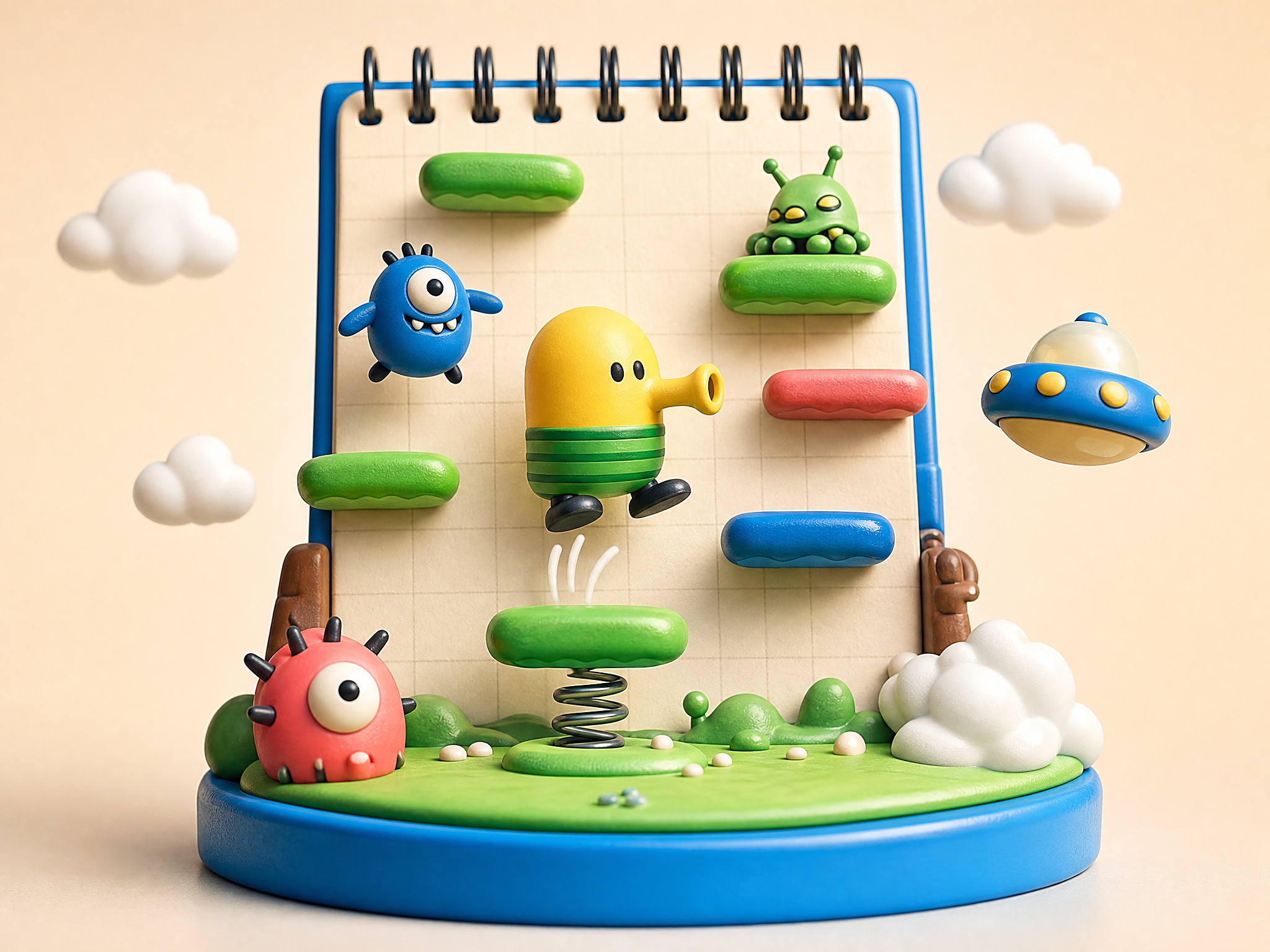
Doodle Jump Extra cover art
4.5 rating5 minutes session
Key facts

Quick answer before you play

Play ready
Price
Free
Platform
Web browser
Play status
Play instantly in your browser
Session
5 minutes
Age rating
Everyone
Source
Third-party browser embed
Gameplay guide

Gameplay summary and how to play Doodle Jump Extra

Doodle Jump Extra is a browser-faithful take on the platform-hopping mobile classic. Drift left and right, time the spring tiles, and don't look down — the higher you go, the faster the platforms thin out.

Objective

Climb as high as possible by bouncing across platforms without falling off the bottom.

How to play
  1. 1Tilt with arrow keys (or tilt your phone) to drift left and right; you bounce automatically on every platform.
  2. 2Spring platforms launch you higher and skip risky midground — chase them when they're close.
  3. 3Avoid the moving and breaking platforms when you can; they're the main reason runs end.
Quick tips
Stay near the centre of the screen. The screen wraps, so drifting too far is a wasted second.
Take the riskier far-side platform if it has a power-up — losing the run still beats taking the safe one and stalling.

Related links

Instant Vertical Progression Without the Setup Hassle

Doodle Jump Extra brings the classic vertical jumping loop straight to your browser, completely bypassing the need for app store downloads, accounts, or local installations. Launching directly in HTML5, you can start bouncing within seconds of loading the page. The core mechanical appeal of this edition lies in its clean execution of momentum and hitboxes. Every platform is rendered with sharp visual boundaries, meaning your landing precision depends entirely on your real-time adjustments. Because there is zero setup required, the focus remains purely on how well you can read the screen and guide your character through ascending hazards.

Playing online in a browser environment also changes how you approach session loops. Unlike mobile versions that often interrupt your flow with intrusive menus or progress gates, this web-optimized version prioritizes immediate restarts. When you miss a platform or collide with an enemy, a single keystroke or click sends you right back to the base level. This instant feedback loop is essential for developing muscle memory, as it allows you to analyze your trajectory mistakes and immediately test alternative paths without any artificial delays or loading screens.


Mastering the Physics Curve and Steering Dynamics

At first glance, the mechanical requirements seem deceptively simple, requiring only left and right directional inputs to guide your continuous upward bounce. However, the distinction between a novice and an experienced player lies in understanding momentum conservation and wrap-around screen physics. Beginners often over-correct their horizontal movements, leading to wild, uncontrolled swings that make landing on narrow or moving platforms highly unpredictable. Veterans, by contrast, utilize micro-adjustments and learn to buffer their inputs, maintaining a tight center-screen trajectory that minimizes the distance needed to reach the next safe platform.

Another critical mechanical layer is the screen-wrap mechanic, where exiting the left boundary teleports you to the right side of the screen, and vice versa. Mastery of this spatial transition is what separates top-tier players from those who get stuck on congested vertical pathways. Instead of trying to navigate a tight bottleneck of unstable platforms in the center, skilled players deliberately launch themselves off the screen edge to safely land on isolated, high-value platforms on the opposite side, keeping their upward momentum completely unbroken.

Navigating Mid-Air Hazards and Shooting Mechanics

One of the most common mistakes players make in Doodle Jump Extra is ignoring the mechanical utility of the upward projectile attack. When ascending rapidly, enemies and black holes can appear suddenly at the top of the viewport, leaving very little time to react. Many players instinctively try to steer around these obstacles, which often forces them onto unstable breaking platforms or into unavoidable hazards. Learning to proactively fire while moving upward clears a safe path ahead, turning potentially run-ending encounters into manageable transitions that do not compromise your vertical line.

Additionally, managing the different types of platforms requires distinct timing adjustments. Yellow platforms disappear after a single bounce, while blue ones slide horizontally, and green ones remain static. A common error is treating all platforms with the same level of urgency. Cultivating patience is key; sometimes, waiting an extra half-second on a stable platform for a moving one to align is far safer than rushing upward into an unverified zone. Balancing this deliberate pacing with the constant threat of falling is the fundamental test of skill in this browser-based version.

Doodle Jump Extra FAQ

Can I play Doodle Jump Extra online for free?

Yes. Doodle Jump Extra is a free browser action game on PixelGamesHub, available at /games/doodle-jump-extra. No download, no signup.

What is the goal in Doodle Jump Extra?

Climb as high as possible by bouncing across platforms without falling off the bottom.

How do I play Doodle Jump Extra?

Tilt with arrow keys (or tilt your phone) to drift left and right; you bounce automatically on every platform. Then spring platforms launch you higher and skip risky midground — chase them when they're close.

What are the controls for Doodle Jump Extra?

Arrows / A,D: Drift left / right; Touch / Tilt: Mobile control

How long is one round of Doodle Jump Extra?

Doodle Jump Extra is built for a 5-minute action session — short enough to fit a break, long enough to chase a clean run.

Any tips for Doodle Jump Extra?

Stay near the centre of the screen. The screen wraps, so drifting too far is a wasted second. Take the riskier far-side platform if it has a power-up — losing the run still beats taking the safe one and stalling.

Does Doodle Jump Extra need a download?

No. Doodle Jump Extra runs from a browser page on PixelGamesHub — no app install, no APK, no Steam link.

Disclaimer

Doodle Jump Extra may load a remote third-party iframe on the playable page. PixelGamesHub keeps this landing page informational and preserves the original provider embed behavior.

Explore more hubs

Long-tail hubs related to Doodle Jump Extra

