Divide
Divide the figure into the required quantity of pieces with the limited number of cuts. At the top of the game, it will tell you how many cuts you can make (on the left) and how many pieces you need (on the right).

This game is served by a third-party provider. PixelGamesHub does not host its game files.
About Divide
Divide is part of our puzzle collection and runs entirely in the browser. Expect fast loads, quick restarts, and a player that scales from phone screens to full desktop.
Start smart, score cleaner
Divide the figure into the required quantity of pieces with the limited number of cuts. At the top of the game, it will tell you how many cuts you can make (on the left) and how many pieces you need (on the right). You need to make EXACTLY that many pieces!
- 1Click play to load the Divide iframe; sound and inputs activate after the first interaction.
- 2Use mouse or touch on mobile, and keyboard arrows or WASD if the game's intro shows them.
- 3Restart from inside the iframe for a cleaner run whenever a round ends.
You Might Also Like
See All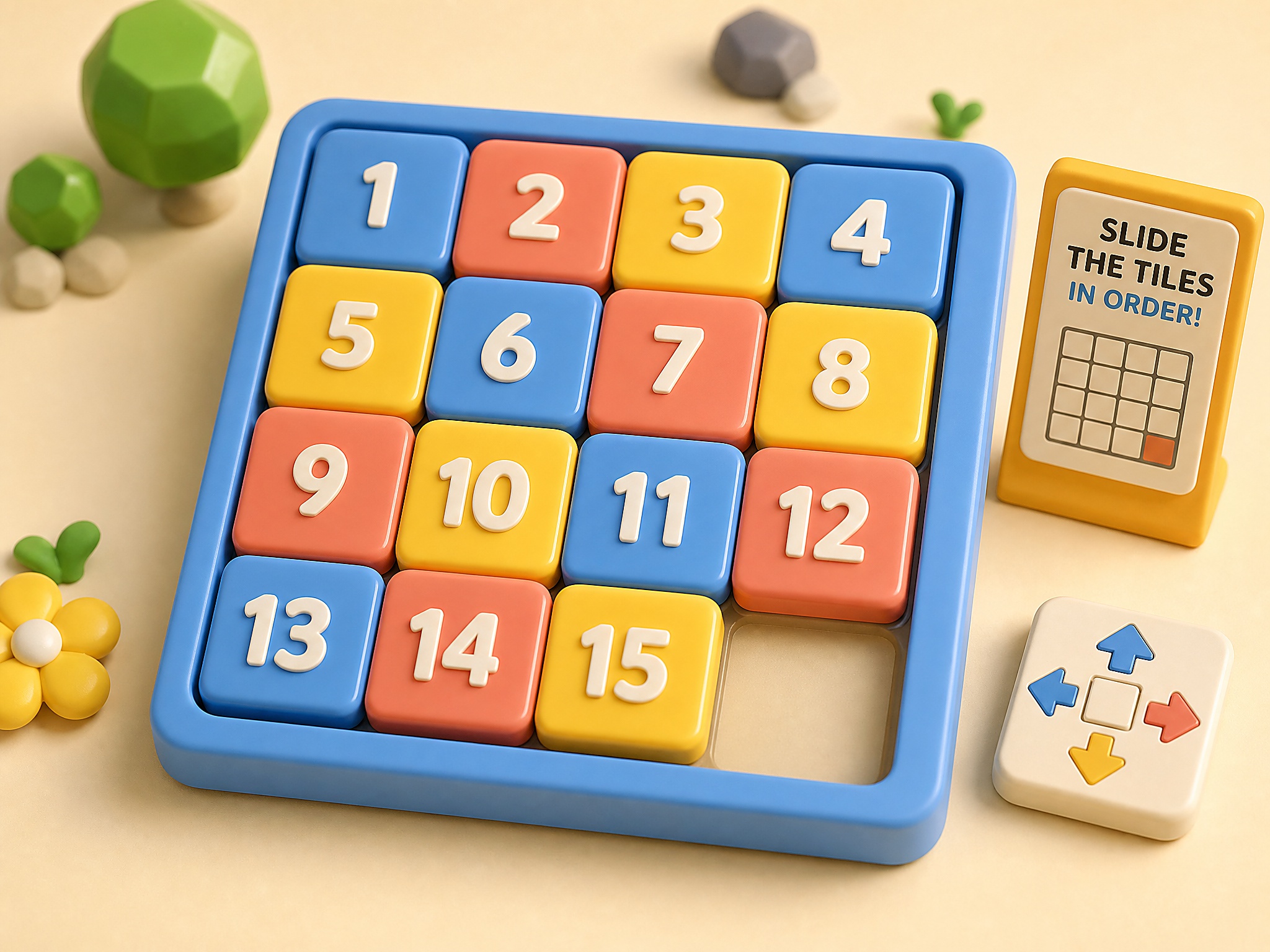
Fifteen Puzzle
Slide numbered tiles into order on a clean local board.
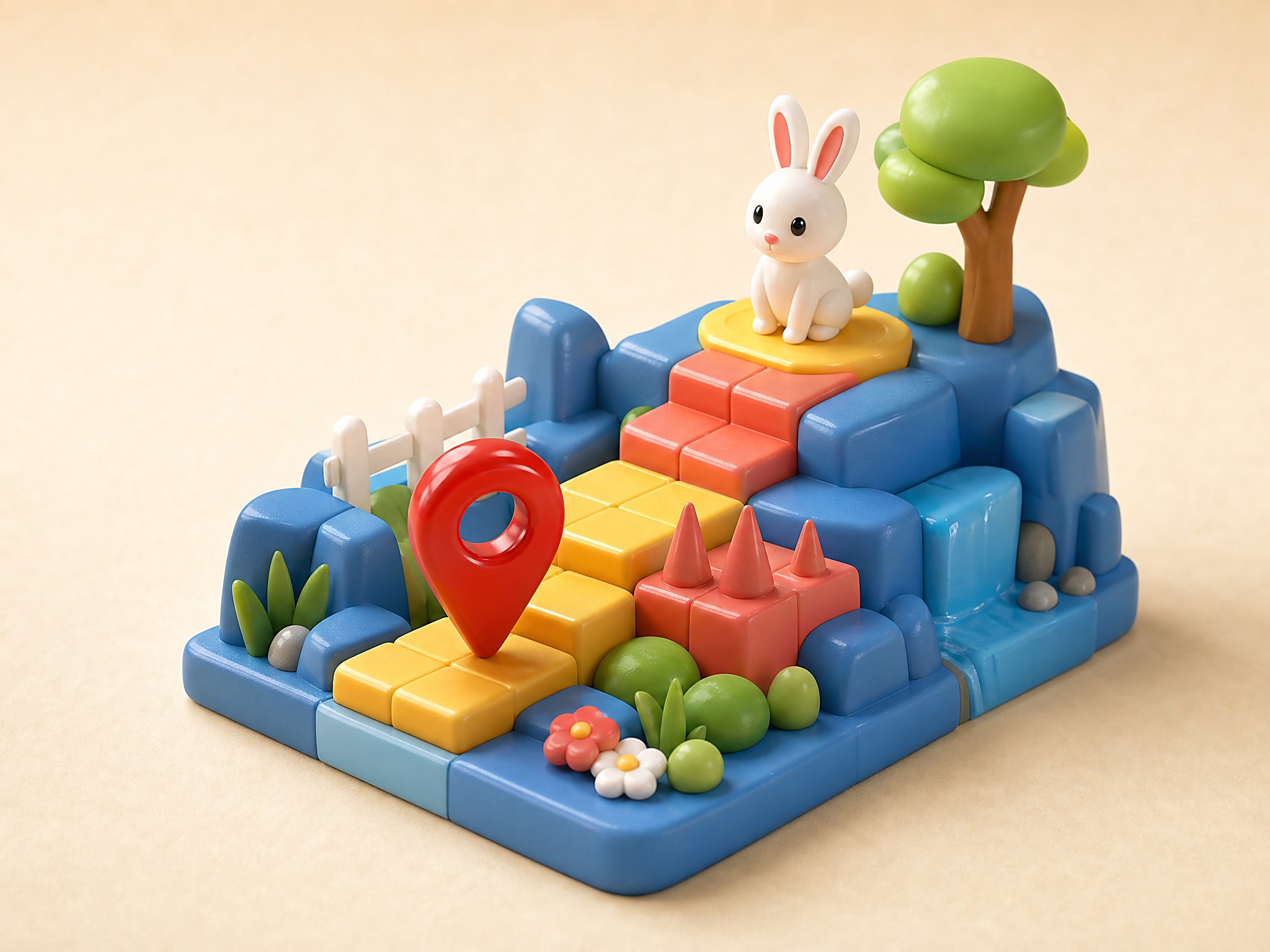
Rabbit Adventure
Guide a red marker through obstacles to reach the rabbit.
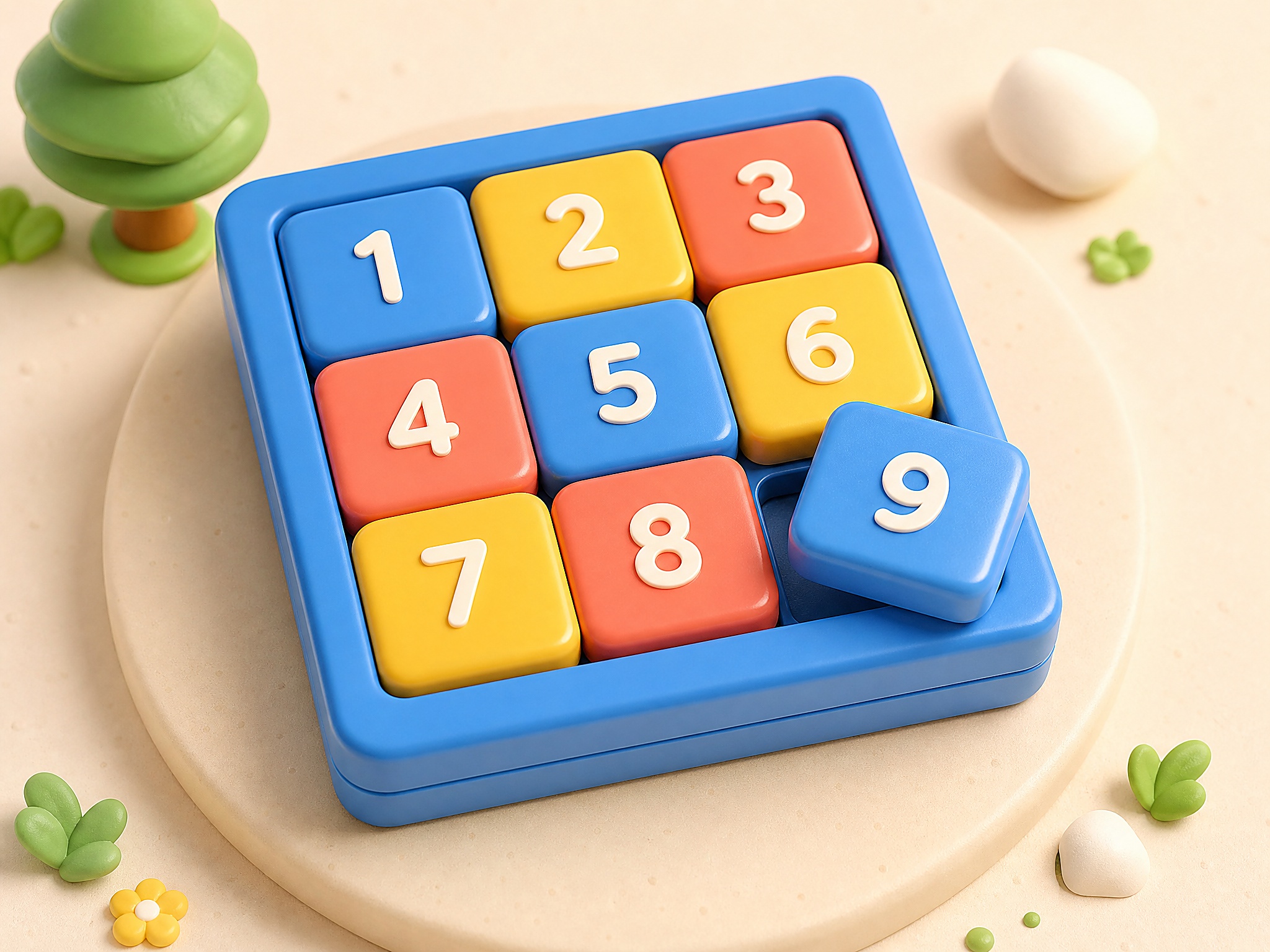
Slide Puzzle Grid
Shuffle numbered tiles and rebuild the board in order.
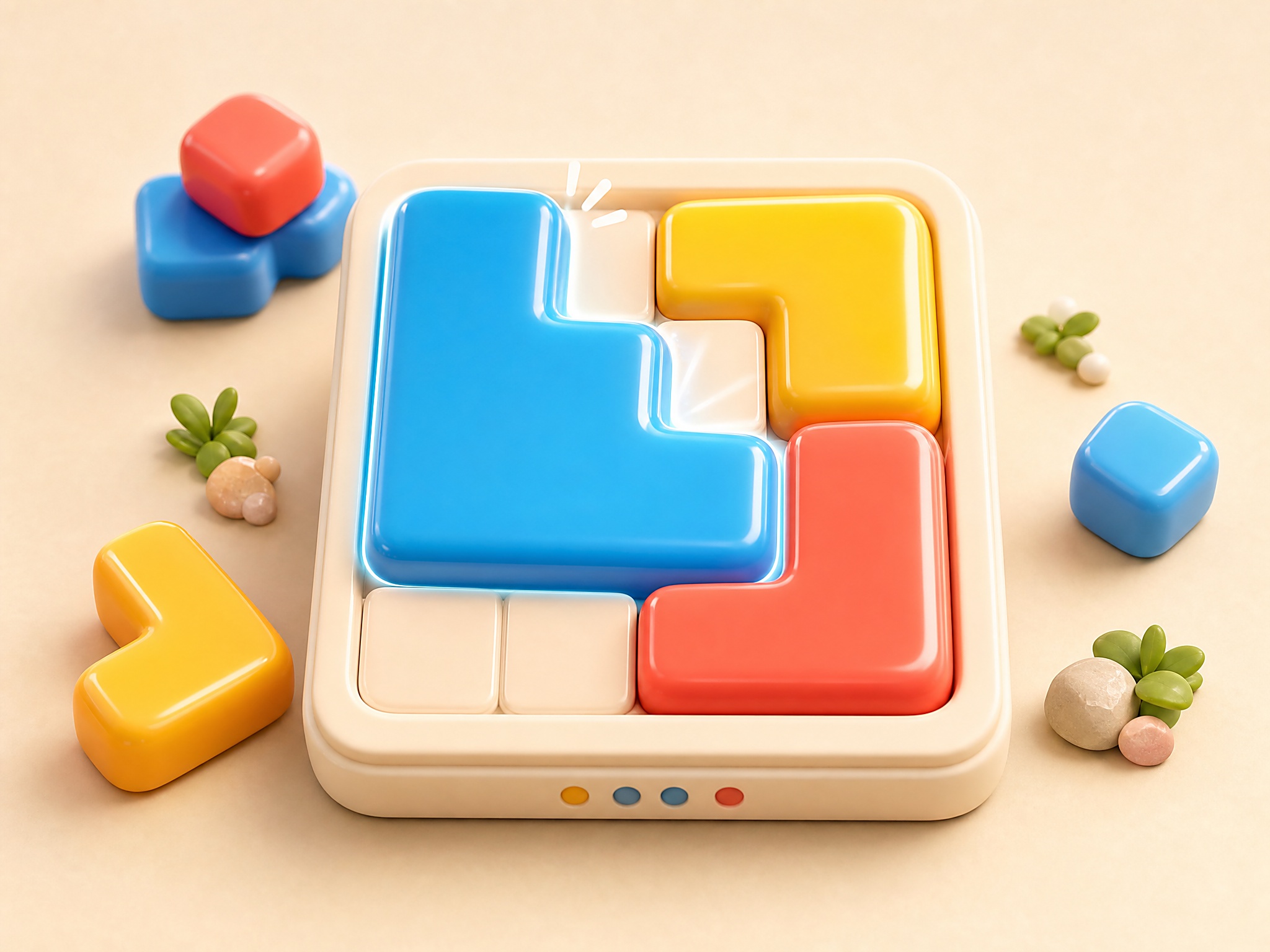
Jelly Merge
Merge soft pieces until the board clicks into place.