Play Classic Pool Online
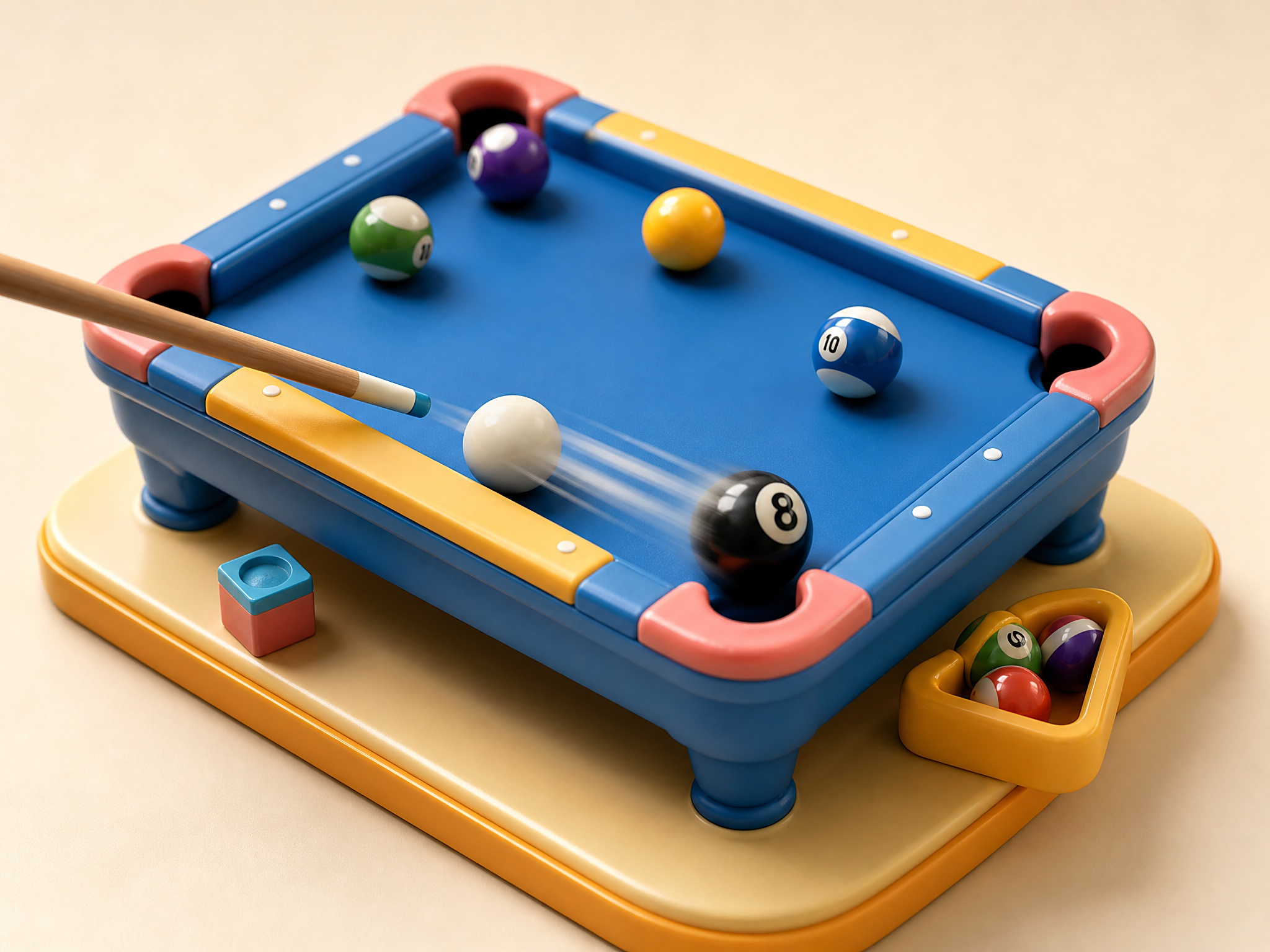
Classic Pool is a free billiards sports browser game on PixelGamesHub. Sink your assigned balls, control the cue ball, and finish the table with a clean eight-ball shot. Start a 8-minute sports session with Mouse (aim and shoot) and W / S (adjust shot power), no download required. Quick tip: Plan the cue ball's next stop before each shot.
Quick answer before you play
- Price
- Free
- Platform
- Web browser
- Play status
- Play instantly in your browser
- Session
- 8 minutes
- Age rating
- Everyone
- Source
- Self-hosted browser game
Gameplay summary and how to play Classic Pool
Classic Pool is a self-hosted MIT-licensed billiards game with local sprites, sound effects, and music attribution retained. Aim with the mouse, tune shot power, and clear the table in one-player or two-player rounds.
Sink your assigned balls, control the cue ball, and finish the table with a clean eight-ball shot.
- 1Choose a one-player or two-player round, then aim the cue with the mouse.
- 2Adjust power before shooting so the cue ball reaches position without scattering the table wildly.
- 3Keep taking legal shots and win by clearing your group before pocketing the eight ball.
Related links
Classic Pool FAQ
Can I play Classic Pool online for free?
Yes. Classic Pool is a free browser sports game on PixelGamesHub, available at /games/classic-pool. No download, no signup.
What is the goal in Classic Pool?
Sink your assigned balls, control the cue ball, and finish the table with a clean eight-ball shot.
How do I play Classic Pool?
Choose a one-player or two-player round, then aim the cue with the mouse. Then adjust power before shooting so the cue ball reaches position without scattering the table wildly.
What are the controls for Classic Pool?
Mouse: Aim and shoot; W / S: Adjust shot power; Esc: Return to menu
How long is one round of Classic Pool?
Classic Pool is built for a 8-minute sports session — short enough to fit a break, long enough to chase a clean run.
Any tips for Classic Pool?
Plan the cue ball's next stop before each shot. Use softer power for short cuts and heavier power only when breaking clusters.
Does Classic Pool need a download?
No. Classic Pool runs from a browser page on PixelGamesHub — no app install, no APK, no Steam link.
Disclaimer
Classic Pool is presented on PixelGamesHub for quick browser play and discovery. Availability, controls, and credits follow the existing game record and playable page.
More games like Classic Pool
Dunk Shot
Flick a glowing ball through swinging hoops in a vertical court.

Drift Arena Pro
Chain drifts around tight arena rings for combo points.
Basketball Stars
Flick the ball, dribble past defenders, and finish at the rim.
Table Soccer Blitz
Spin foosball rods for tight tabletop soccer matches.
Long-tail hubs related to Classic Pool
- 2 Player Games
Works great as couch co-op on one keyboard