“The best coding games are the ones students don't realize are teaching them coding until they're already debugging.”
~8-minute read · 5 sections
What makes a coding game work for a classroom
A coding game works in a classroom when it does three things simultaneously: surfaces a concrete programming concept without using jargon, provides immediate visual feedback for both correct and incorrect solutions, and scales with student ability so the strongest students aren't bored and the struggling students aren't stuck.
The trap most coding games fall into is treating the syntax as the gameplay. Block-based programming environments like Scratch get this right — students manipulate logic structures (loops, conditionals, function calls) without typing curly braces. Once the logic is internalized, transferring to real syntax is comparatively quick.
Elementary (grades K-5): logic without syntax
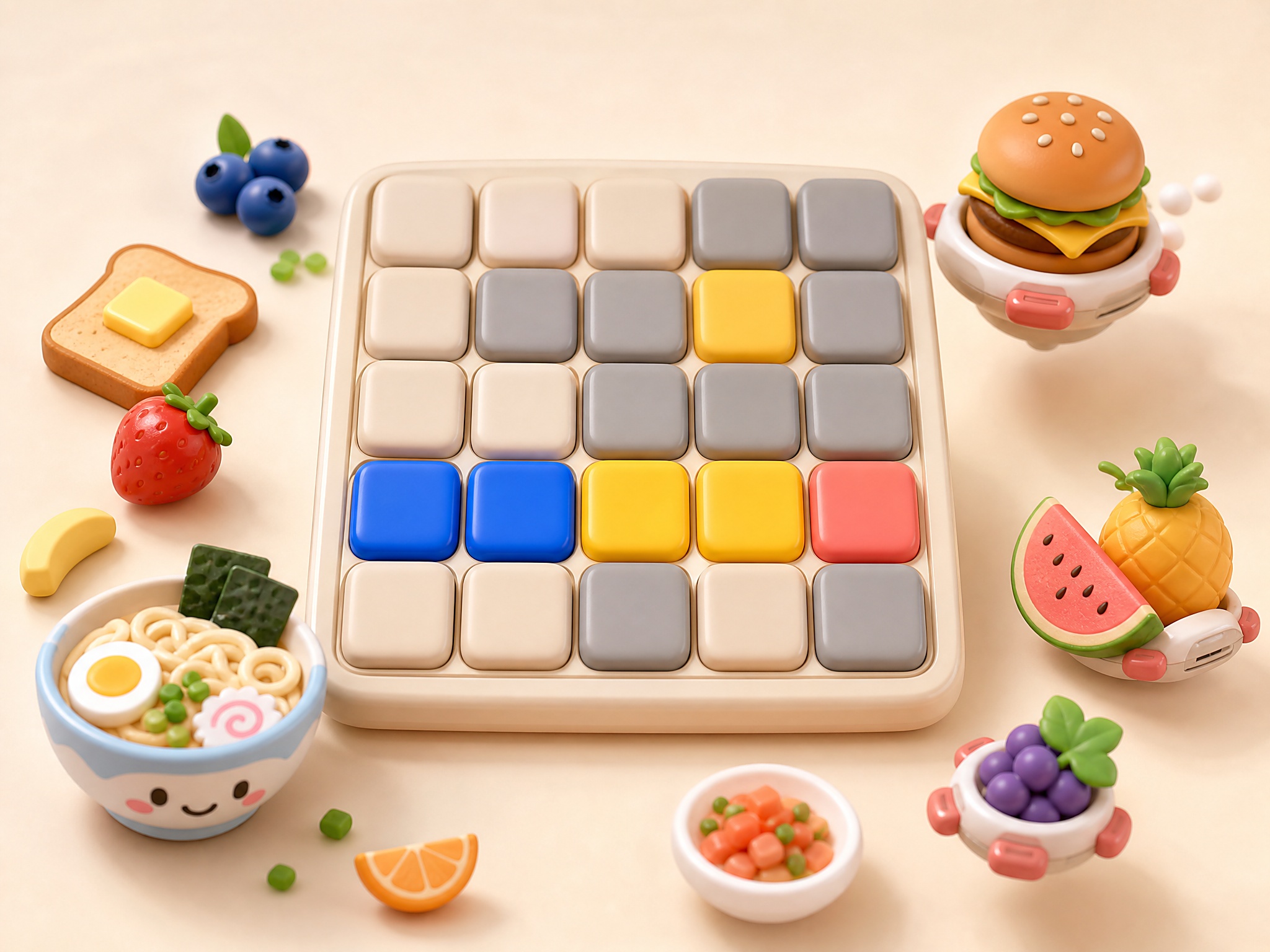
At elementary grades, the goal is to internalize sequencing, repetition, and conditionals. Scratch and Scratch Jr. are the bedrock — they're not browser games strictly, but most students will encounter them. For pure browser-game alternatives, look for puzzle games where the solution involves chaining moves in a specific order (think slide puzzles, sokoban-style block-pushing, and lightweight maze navigators).
The games on this list at the elementary level work because they reward systematic thinking. A student who blunders into the right answer once will struggle on the next puzzle; a student who builds a mental model of 'if I do X, then Y happens' will progress reliably.
Middle school (grades 6-8): introducing real syntax
Middle school is the right time to introduce typed syntax. CodeCombat and Lightbot are the genre leaders here — students write actual JavaScript or Python (CodeCombat) or pseudo-code (Lightbot) to direct an in-game character. Both run in-browser, both have free tiers, both fit a 40-minute class period.
Browser-game alternatives that we've seen work well in middle-school classrooms: anything where the player schedules a sequence of actions in advance and watches it execute. Idle-incremental games with explicit upgrade trees can also work — students unpack the math of exponential growth without realizing it's a math lesson.
High school (grades 9-12): full programming environments
By high school, students benefit more from real programming environments than from games. Repl.it, JSFiddle, and the browser developer console are better learning tools than any game. But coding-themed games still have a place — for warm-ups, for late-period engagement, and for the students who haven't yet caught the bug.
Specifically: hacking-themed puzzle games (where the player figures out the logic of a system to break out of it), constraint-solving games like 'computers as a sandbox' titles, and the more rigorous incremental games (where the meta-game is genuinely a programming-style optimization problem) all work as supplements. None should replace a real coding curriculum.
Embedding in classroom portals
Every game on this list can be embedded in a Canvas page, Google Classroom assignment, or any LMS that allows HTML embed. Open a game page, click 'Embed this game', and paste the iframe snippet wherever you'd embed a YouTube video.
We deliberately keep no logs of individual student play sessions — the iframe sandbox doesn't share cookies or storage with the host page, and we don't ask for accounts. The only signal we receive is the Referer header (which page embedded us), which we use to understand which sites and teachers are finding the catalog useful.
If your school's content filter blocks specific game URLs, the embedded version (which serves from a different path) often passes through. The /tools/iframe-sandbox-tester utility on our site lets you preview the sandbox attributes if your IT team needs to whitelist.